
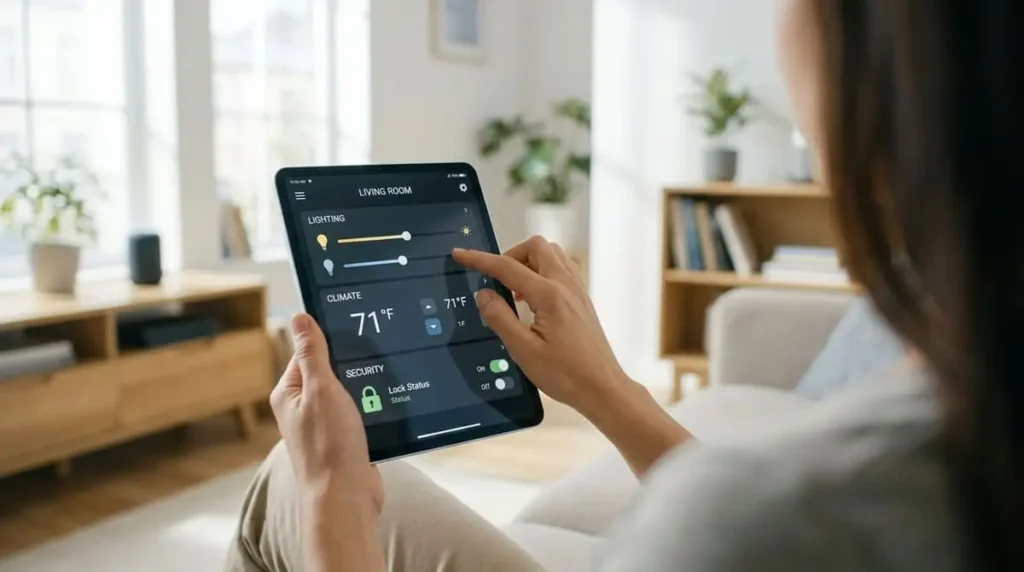
What is smart home automation? This is when the smart devices in your house take action on their own through rules that you make, so that you don’t need to open an app or press a button. A rule is triggered by a sensor, a timer or the location of your smartphone, and then your lights, locks, thermostats and plug-in devices respond.
Think of going to bed at night. You simply say “good night” and your doors lock, window coverings come down, all your lights go out and the temperature is reduced by a few degrees. No one walks about in the house checking things. That’s what we call automation. Here are the details for you below: how it works, real examples, the downsides, what it costs and a short smart home automation setup guide for your first week.
What Is Smart Home Automation?
Strip away the marketing and smart home automation is a set of “if this happens, do that” rules running on devices in your home. All the systems have three components:
- Devices. Some sense events (such as motion, doors opening, temperature, water on the floor), while others carry out actions such as switching lights or plugs on or off, locking or unlocking doors, adjusting thermostat settings or operating window blinds and sprinkler systems.
- Controller. This is the brain where you store your rules. It may be an application, a smart speaker, a hub (such as Home Assistant or Hubitat) or even the cloud-based servers of a company.
- Rules. Applications usually refer to them as routines, scenes, automations or flows. All the names mean essentially the same thing: a list of actions that runs when something happens.
So what is home automation, compared with simply owning smart gadgets? It is the point when you cease to be the person pushing buttons. A smart lightbulb that you activate through your smartphone is quite useful. A lightbulb that turns on at 10% at 2 a.m. when you enter the hall is automation.
That’s the short answer to the question what is smart home automation: devices, a brain and rules. The rest of this guide is about making those rules worth having.
Smart Home vs Home Automation: What’s the Difference?
Everyone thinks of the two terms as synonymous. In practical usage, there is no need to know their differences. But it is the differences that separate effortless smart home experiences from drawers full of remote controls. When people search smart home vs home automation, this is usually the answer they need:
| Level | What it means | Example |
|---|---|---|
| Connected home | Devices are online, but each one has its own app | One app for the doorbell, another for the lights, a third for the thermostat |
| Smart home | Devices sit in one app and answer to your voice or phone | “Turn off the kitchen lights” works from the couch |
| Automated home | Devices react on their own to time, sensors or location | Kitchen lights turn off 10 minutes after the last motion |
So what is a smart home? It’s a home where you control connected devices from one place, usually your phone or a speaker. And what is home automation, then? It’s the layer on top that takes you out of the loop. Ask ten owners what is smart home automation and most of them will describe that third row.
You can have a smart home with zero automation. You can’t really have automation without at least a few smart devices. That’s the core of smart home vs home automation: one gives you control, the other gives you rules. And if you’re still wondering what is a smart home good for without automations, the honest answer is remote control and not much more.
How Does Smart Home Automation Work?
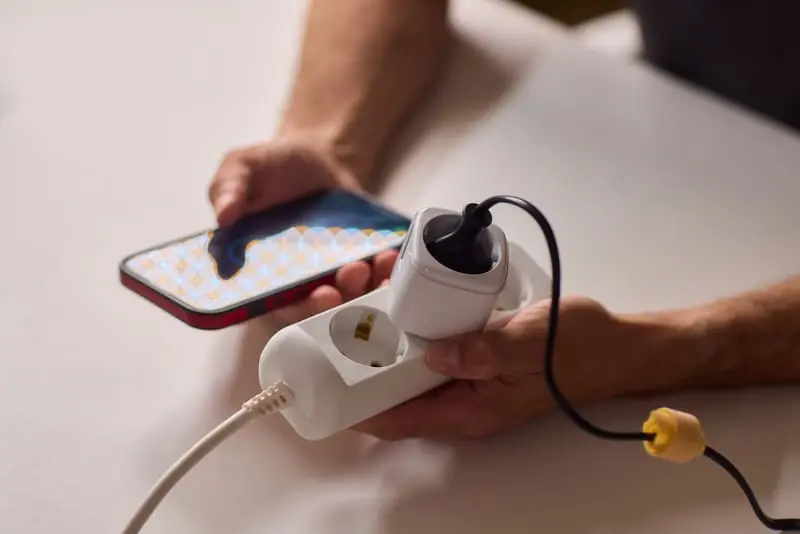
If someone asks you what is smart home automation, the most accurate answer is a sentence with three parts. Once you see it, every app makes more sense.
Triggers, Conditions and Actions
Every automation in any app works in the same way:
- Trigger: something starts the automation. Motion in the hallway, a door opens, the clock hits 6:30 a.m., sunset or departure from home.
- Condition (optional): the automation works only if something else is also true. Only after 10 p.m., only when nobody is at home, only on working days.
- Action: what will the house do? Turn on the light at 10%, lock the door, send an alert to your phone or start the robot vacuum.
Here’s an example: motion in the hallway (trigger), only between 11 p.m. and 6 a.m. (condition), turn on the lights in the hallway at 10% for two minutes (action). One automation and no stubbed toe in the future.
It is the condition that helps to create effective automation. Without it, your hallway light would go on at 3 a.m. at full brightness and the robot vacuum would start during your business conversation.
How Devices Talk to Each Other
Your devices need a shared language. These are the ones you’ll see printed on the box:
| Protocol | Best for | Needs a hub? | Works without internet? |
|---|---|---|---|
| Wi-Fi | Cameras, plugs, bulbs, appliances | No, it joins your router | Only if the app supports local control |
| Zigbee | Cheap sensors, bulbs, buttons | Yes, a Zigbee hub | Yes, through the hub |
| Z-Wave | Locks, switches, sensors (good range, less interference) | Yes, a Z-Wave hub | Yes, through the hub |
| Thread | Battery sensors, locks, Matter devices | A Thread border router, often built into a speaker or hub | Yes, on your home network |
| Matter | Making brands work together | A Matter controller, often something you already own | Yes, with a local controller |
Matter is not a radio. This is a common language that works through Wi-Fi, Thread and Ethernet, so one Matter plug can work in Apple Home, Google Home, Alexa and SmartThings. Matter is rapidly evolving. For instance, Matter 1.5 was launched in November 2025 with features such as cameras, garage doors and other closures, soil sensors and improved energy reporting. Matter 1.6 was released in June 2026 and added tap-to-pair NFC setup and improved device sharing between ecosystems. Not every app supports the newest features yet, so check before you buy.
Can It Work Without Internet?
Only partly. It depends on where your rules live.
Cloud automations live on the device maker’s servers. If you lose your internet connection or those servers decide to have a bad day, those automations will not function. Voice assistants and most of the Wi-Fi devices fall into this category.
Local automations live on a hub inside your house. Zigbee, Z-Wave and Thread devices can communicate with that hub directly, so your motion-triggered light is going to keep functioning even during an internet outage. Home Assistant and Hubitat systems use local control mechanisms, and Apple Home runs many automations on a HomePod or Apple TV.
Things that will definitely stop working without internet regardless of anything else: remote control of your devices from your phone, alerts on your phone and voice commands from the cloud. The good news is that for a smart thermostat to receive ENERGY STAR certification, it must still work as a regular thermostat without an internet connection.
Time-Saving Smart Home Automation Examples
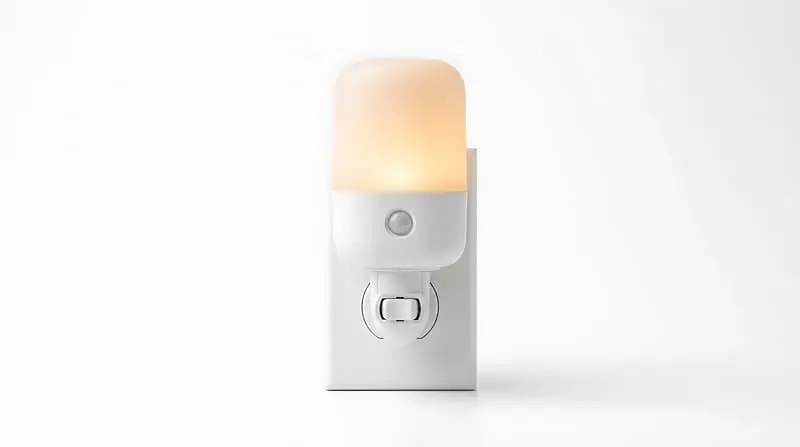
Examples answer what is smart home automation better than any definition. The best time-saving smart home automation isn’t flashy. It quietly takes over a chore you do every day and forgot you hated. These home automation examples are the ones people keep running for years, not the demos that get switched off after a week.
10 Everyday Automations Worth Setting
| Automation | Trigger and action | What you need | Why it helps |
|---|---|---|---|
| Bedtime lockdown | “Good night” or a set time: lock doors, close blinds, lights off, heat down | Smart lock, bulbs or plugs, thermostat | No more nightly walk-around |
| Open window alert | At bedtime, if a window is open or a door is unlocked, send an alert | Contact sensors, smart lock | Catches what you forgot before you fall asleep |
| Night path lights | Motion after 11 p.m.: hallway and bathroom lights at 10% or dim red | Motion sensor, smart bulbs | No blinding light, no tripping over toys |
| Wake-up light | Bedroom light fades up over 15 minutes before your alarm | Dimmable smart bulb | A gentler start than a buzzer in the dark |
| Leave and arrive | Last person leaves: lights off, alarm on, heat or AC down. First one home: entry lights on | Phones with location on, hub or app | Nothing left running, no “did I lock it?” on the drive |
| Leak alert | Water detected: phone alert and main valve closes | Leak sensors, smart shutoff valve | Turns a flood into a towel job |
| Garage auto-close | Door still open at 9:30 p.m.: close it and notify you | Smart garage controller | Keeps animals and thieves out |
| Kids’ bedtime | Sunset: room lights on. 15 minutes before bed: dim. Bedtime: off, night light on | Smart bulbs, smart plug | The routine runs itself and kids pick it up fast |
| Seed trays and grow lights | Lights on 14 to 16 hours a day, heat mat and fan on a schedule | Smart plugs | Same light every day, even when you travel |
| Robot vacuum | Runs only after everyone leaves | Robot vacuum, location or alarm status | Clean floors without vacuuming around you |
Tips From People Who Run These Daily
Here are some insights from folks who do this. First, start off with some automations that save you a few minutes every day. A daily nighttime ritual that runs 365 nights a year beats a flashy party light show that you might use twice. Visible automations should be predictable, because lights that flash unexpectedly irritate others in the family. Motion sensors and pets can coexist if you install the sensor high, set it to a low sensitivity or direct it toward chest height.
If you have any indoor or outdoor plants, the rule applies here as well. Just connect the grow lights to a smart plug so that they will work daily without fail. A smart sprinkler controller skips watering when it rains, while a soil moisture meter for indoor plants with a wireless sensor notifies you when your planter needs water. That’s time-saving smart home automation for the parts of the house that are alive.
Smart Home Automation Benefits
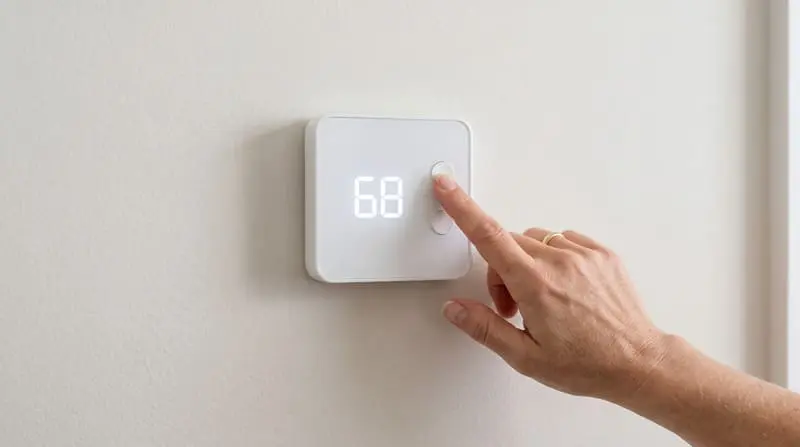
People who ask what is smart home automation usually have a follow-up: what’s in it for me? The real smart home automation benefits are less about gadgets and more about what you no longer have to remember.
- Less mental load. The house locks up, powers off and self-checks during the night. No more tossing and turning in bed pondering whether the back door is secure.
- Reduced energy costs. ENERGY STAR certified smart thermostats save around 8% of energy costs from heating and cooling, about $50 per year. Lights that turn off when rooms aren’t occupied add some extra savings.
- Early warnings. Leak sensors, smoke alarm notifications and freezer temperature monitors notify you of an issue while it’s still minor. A freezer power alert sent to you when you’re away on vacation can save hundreds of dollars’ worth of food.
- Assurance for loved ones. A contact sensor on an elderly relative’s front door sends you a quiet alert when they go out for a stroll and come back home, with no cameras in their living space necessary.
- Comfort. Warm white lighting at sundown, a bathroom light that turns dim red after midnight and mattress warming pads plugged into smart sockets that start heating up 30 minutes before bedtime. (The latter will only work with the simplest mattress warmer that has a physical on-off switch.)
- Accessibility. Voice commands and self-activating lights benefit anyone who struggles with operating switches or getting up in the dark.
So what are the benefits of smart home automation in one sentence? It turns the small, repeated jobs of running a home into rules, and it warns you when something goes wrong.
Disadvantages of Smart Home Automation
Any honest answer to what is smart home automation has to include what goes wrong. No smart home automation setup is free of problems. These are problems that homeowners actually face, along with solutions to the problems.
Devices can lose support. On October 25, 2025, Google stopped supporting the 1st and 2nd generation Nest Learning Thermostats and pulled them out of the Nest and Home apps. They will still function on the schedules stored on them; however, their smart capabilities are lost now. Solution: pick devices that work with Matter or through local control and, therefore, allow switching to another app if the brand disappears.
Dependency on cloud and Wi-Fi. Cloud-based routines get interrupted when your internet connection or the server goes down. Solution: make sure your critical automations (lights, leak notifications, locks) operate with a local hub and there is a manual way to control everything.
Friction in Shared Homes
Problems with location tracking in shared spaces. The “turn everything off when I leave” rule works great if you live alone. But if your partner, children or even a babysitter stays at home, then it turns off the lights in the room occupied by another person. Solution: use a “last person leaves” rule, activate guest mode or have your phone ask you to confirm before the house shuts down.
Frustrated family members. An automation that turns off the lights after the TV shuts down is wonderful but annoying if there is still someone in the kitchen. Solution: keep every room’s switch or button working and teach all the family members how to override them.
Maintenance. The sensors require battery replacement, and apps and devices require regular updating. A leak sensor with a dead battery protects nothing. Solution: turn on battery-low notifications, and before every trip, check the sensors for functionality.
Privacy and security. Smart home cameras, microphones and locks hold a lot of data about users, so they attract hackers. Solution: follow the basic guidelines from the Federal Trade Commission. Change the default passwords and update firmware. Enable two-factor authentication. Check our article on whether smart locks are safe for more information about smart door locks.
Standby power. Any smart plug, hub or speaker consumes electricity constantly. Research from Lawrence Berkeley National Laboratory found that standby power accounts for 5% to 10% of home electricity use. A home with many smart gadgets might negate some energy-saving benefits. Solution: do not automate things that do not need it.
How Much Does Smart Home Automation Cost?
The next question after what is smart home automation is almost always the price. The honest smart home automation cost is “less than you think to start, more than you think to finish.” One routine can cost under $50. A whole house can run into the thousands.
| Item | Typical price | Notes |
|---|---|---|
| Smart plug | $10-$25 each | Cheapest way to automate a lamp, fan or grow light |
| Smart bulb | $10-$50 each | White bulbs cost less than color ones |
| Motion or door sensor | $15-$40 each | Usually Zigbee or Thread, so it needs a hub |
| Water leak sensor | $15-$40 each | One under every sink and the water heater |
| Smart speaker or display | $25-$180 | Some models double as a hub |
| Hub or Matter controller | $30-$220 | Aqara M100 about $30, Hubitat C-8 Pro about $180-$200, Home Assistant Green about $199-$219 |
| Smart thermostat | $100-$280 | Nest Learning Thermostat (4th gen) lists at $279.99 |
| Video doorbell | $60-$250 | Saved video usually needs a plan |
| Smart lock | $100-$300 | See our breakdown of how much smart locks cost |
| In-wall smart switch | $20-$60 plus install | Most need a neutral wire |
| Curtain robot or motorized shade | $70-$800 per window | Curtain robots sit at the low end |
| Robot vacuum | $200-$1,000+ | Mapping and self-emptying cost more |
| Subscriptions | $0-$50 a month | Camera plans, Alexa+ ($19.99 a month without Prime), pro monitoring |
| Professional install | About $200-$1,650 for a typical project | Whole-home installs can pass $4,500 |
Prices checked November 2026 at major retailers and brand websites.
Typical Budgets: DIY vs Professional
It looks something like this in practice:
- DIY starter setup: 50-250. Two smart plugs, a motion detector and a speaker that you may already have.
- DIY whole-house: 500-2,000. Smart lights in the main rooms, sensors, a thermostat, a lock and a hub.
- Professional install: According to surveys of homeowner spending on home automation systems, a typical installation costs around $900, with whole-home installations reaching $4,500 or more.
- Control4, Savant and other custom systems: $10,000 and up.
Don’t forget the hidden costs: subscriptions, batteries and replacements when a brand ends support. They’re part of the real smart home automation cost, and they’re why the benefits of smart home automation only pay off if you automate things you’ll use every day.
Smart Home Automation Setup Guide for Beginners
The fastest way to understand what is smart home automation is to build one rule yourself. This smart home automation setup guide follows one idea: automate a problem, not a gadget. If you’re wondering how to set up smart home devices without wasting money, go in this order:
- Make a list of those things that irritate you. Write down the chores you have to do again and again and the things you keep forgetting. Always take safety into account (leaks, smoke, locks) first and then comfort (lights, blind control, playing music).
- Select a controller. Base your choice on your smartphone and what you already have: for an iPhone household use Apple Home; for an Android household choose Google Home or Alexa; for a Samsung household use SmartThings. Home Assistant and Hubitat are best if you want local control and don’t mind some tinkering. Check what you already own before you buy a hub, because many speakers, streaming boxes and routers already work as a Thread border router or Matter controller.
- Optimize your Wi-Fi. A weak Wi-Fi signal is the number one cause of devices going offline randomly. First of all, make sure there are no dead zones, and if your router supports it, move smart devices to a separate guest network.
- Choose one room with three devices. A bedroom with a smart bulb, a motion sensor and a plug will be sufficient to get an idea of triggers and conditions. Read our comparison of a smart light switch vs smart bulb to choose the proper lighting.
- Set up your first automation and use it for a week, changing the timing, brightness and delays until it is unnoticeable. Then set up another.
- Make sure that you have added override options and informed your household members. Every automated light still needs a switch or button so anyone can stop it.
- Secure it. Change the default password, enable two-factor authentication, update firmware and delete old devices that you no longer need.
That’s the whole smart home automation setup guide. It’s slow on purpose. People who buy ten gadgets in one weekend usually end up with ten apps and zero automations.
FAQ
A hallway light that turns on at low brightness when it senses motion at night is a classic one. Other common home automation examples are a bedtime routine that locks the doors and turns off the lights, a leak sensor that shuts off the water and a thermostat that lowers the heat when everyone leaves.
What are 10 advantages of automation?
Here are 10 smart home automation benefits most people notice first:
1. Less time spent on chores
2. Reduced energy bills for heating and cooling
3. Doors locked, lights turned off and garage doors closed automatically
4. Quick alerts about leaks and smoke
5. Checking in on your home when you’re away
6. Peaceful nights with low-level lighting
7. Assistance to seniors and people with disabilities
8. Regulated schedules for children
9. Timely watering for plants and gardens
10. Creating the impression that you are at home while you are away
Can a smart home work without internet?
Yes, but partially. Automation systems running through a local hub using Zigbee, Z-Wave, Thread or local Matter will continue to operate. All cloud-based tasks, voice commands from the cloud, phone notifications and remote access will be halted until the connection is restored.
What is the best smart home automation system?
The best choice is the one that will be used by your household. Apple Home works best with iPhone families; Google Home and Alexa work well for mixed mobile phone households; SmartThings works best for Samsung devices; Home Assistant and Hubitat suit local and customized setups. If you’re still deciding how to set up smart home gear, choose the controller first and the devices second.
What are the pros and cons of a smart home?
Strengths: convenience, saving money on energy costs, notifications and security awareness. Weaknesses: initial costs, subscriptions, privacy issues, devices that stop getting updates and automation that confuses others. The benefits and disadvantages sections above cover each one.
Do I need a hub for smart home automation?
No, not necessarily. Wi-Fi devices connect directly to your router, and a smart speaker can perform some basic tasks. However, Zigbee and Z-Wave devices require a hub, while Thread devices require a border router, which is built into many speakers and streaming boxes.
Is smart home automation worth it?
Yes, if you start with a real daily annoyance and solve it. No, if you buy gadgets first and look for uses later. The benefits of smart home automation come from a few good rules, not a pile of devices.
Final Thoughts
So, what is smart home automation in practice? It’s a handful of rules that take over your home’s repetitive jobs and warn you when something’s off. Good smart home automation should feel invisible. Start with one routine that fixes something that bugs you every day, keep a manual way out and only add the next device once the first one has disappeared into the background.