

Deciding between smart light switch vs smart bulb can be tricky because they both automate your lighting system and provide convenience. However, choosing the right option depends on other factors, such as your home layout, personal needs, your long-term budget, and current wiring in your household.
This being said, here’s what you need to know before making a final decision.
What’s the Real Difference Between a Smart Bulb and a Smart Switch
A smart bulb is as good as the intelligence in itself is. The focus is on the actual bulb, so the switch is irrelevant in the process. It allows a deep degree of customization, but it’s also a good choice if you want something inexpensive or you rent the place since setup requires nothing more than screwing it into an existing socket without touching any electrical wires.
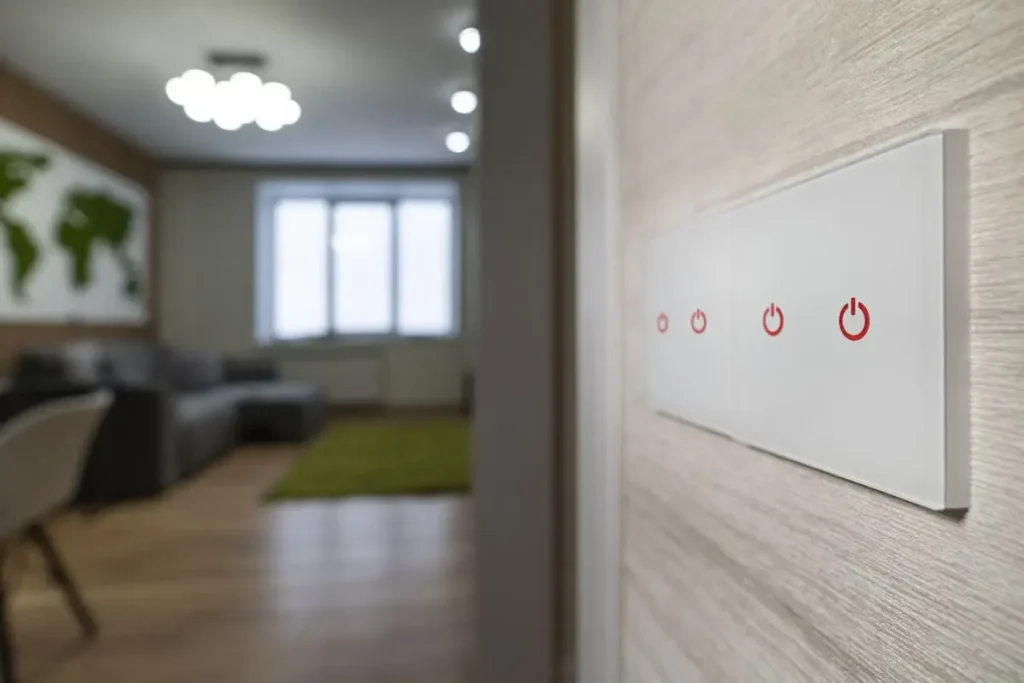
A smart switch replaces the whole switch in your home. It can control all the bulbs in the fixture, whether it’s just one bulb or you have more bulbs. While not as adjustable as the smart bulb itself, this option is more versatile and reliable. It also keeps overall costs lower because more bulbs share the same switch.
Do You Have a Neutral Wire? (And What to Do If You Don’t)
Smart switches normally require a neutral wire in the box, yet this isn’t always a general rule. Unless you live in a new home or your home was rewired recently, chances are you don’t have one. Generally speaking, homes wired before the late 1980s lack neutral wires.
If rewiring isn’t an option, opt for a no-neutral-compatible switch. There are more brands out there, with Lutron Caseta being one of the most recognized names. However, if wiring in your home is ancient, and you’re due a rewiring procedure, you might as well wait until an electrician updates the entire panel and infrastructure.
The good news is you do have options either way. Also, if you want a light controlled by two switches, you won’t need to rewire both. Instead, wire a smart switch and power it with a battery-based accessory remote at the second switch. Simple and convenient.
Will a Smart Bulb Work With an Existing Dimmer Switch?
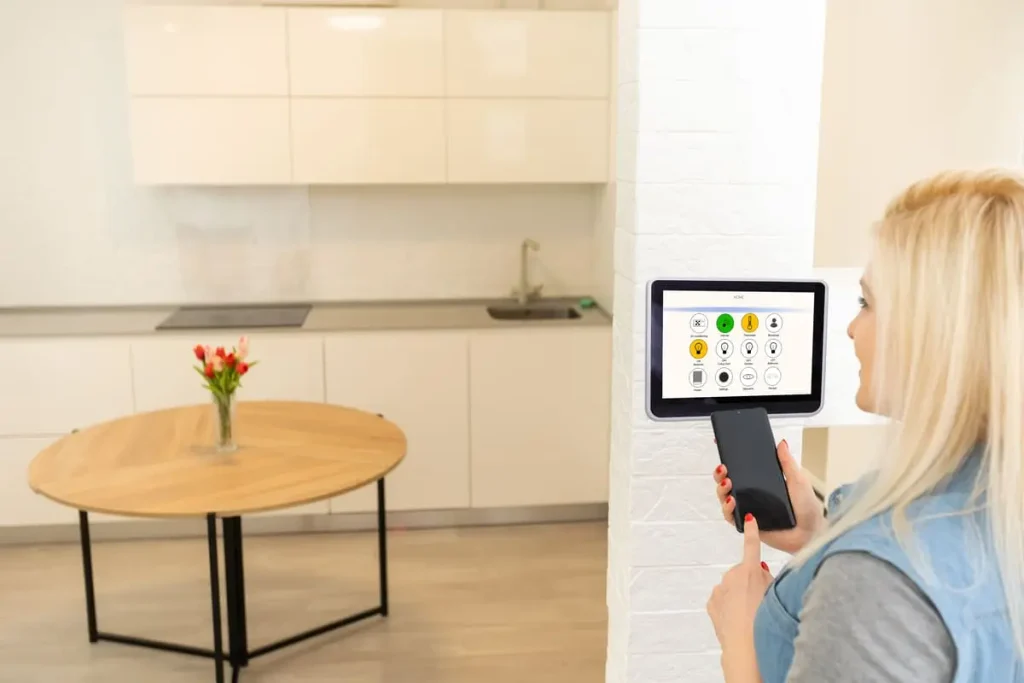
It may or it may not. If it does, it won’t dim accordingly, but it will most likely give you two settings only. In other words, it’s not a reliable option. It may flicker, lack smoothness and so on. That’s because smart bulbs have their own dimming circuitry, which doesn’t match the cutting voltage applied by traditional analog wall dimmers, so there’s a “conflict”.
You have two options here:
- Replace the dimmer and get a smart one that’s compatible with the bulb.
- Get a smart bulb that doesn’t dim, then leave the dimmer on.
Which One Do Guests and Family Actually Prefer?
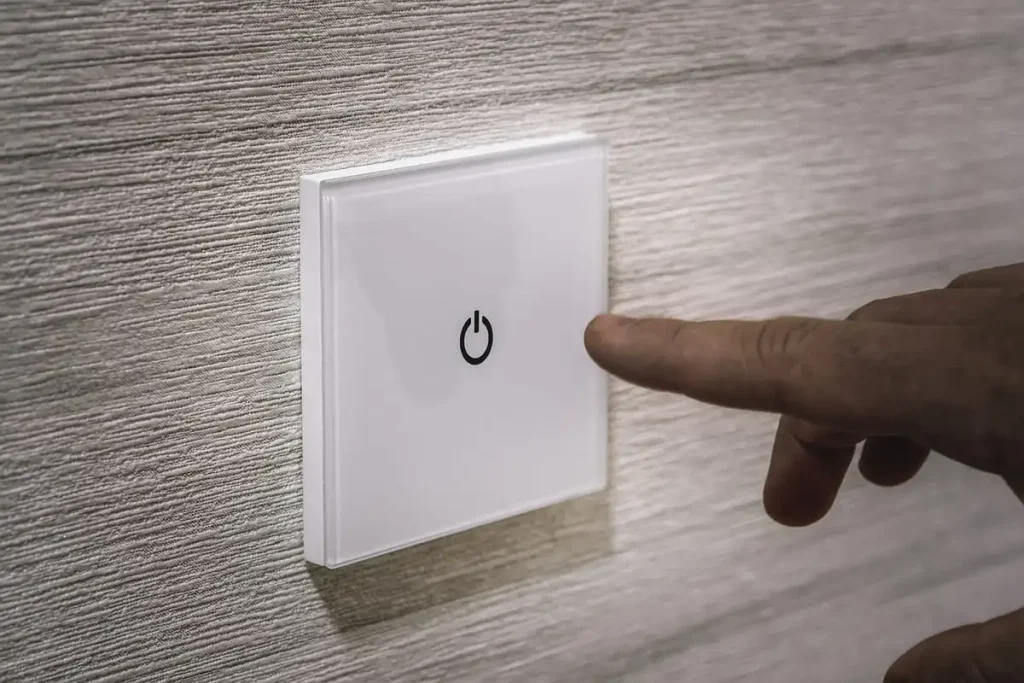
Which option you choose depends on who uses it. If you’re the only one using it, you probably know already that the switch has to stay on at all times if you go for smart bulbs. On the other hand, guests, kids, cleaners or other people in your home may struggle with them.
They expect switches to turn the light on or off, simple as that. When you go for a smart switch, it works like that. When you go for a bulb, you’ll need to explain that the switch must always stay on. Out of habit, most people will turn it on or off when they use the light.
When the switch is off, the smart bulb will stop responding to the mobile app or voice control.
What Happens to Smart Bulbs During a Power Outage?
A power outage can cause smart plugs, bulbs and other smart elements in your home to act chaotically. When the power goes off, your smart elements tend to forget their settings or how they’re supposed to work. Therefore, they may need a full reset or reinstallation to solve this issue.
For example, one of the most common issues is known as popcorning. This means that if you have more bulbs, they could turn on by themselves one at a time. Sometimes, they go back at full brightness. Other times, they just do it randomly.
The issue is common in areas with power outages in the middle of the night. If your bulbs start blasting in the middle of the night, chances are you’ve had a power outage. Switches won’t really have this issue.
Is There a Way to Get the Reliability of Switches With the Control of Bulbs?
When comparing the smart light switch vs smart bulb, it’s obvious that the switch brings in more reliability. You can, however, get the same degree of reliability with smart bulbs too these days. There are certain brands developing switches that can feature smart bulb modes, such as Zooz, Inovelli or Shelly.
Apart from smart modes, they also disable relay settings that keep power through the bulb consistently. Instead of cutting the power straight away, the switch sends a signal to the bulb.
People who struggle to understand how bulbs work (such as guests) will get a feeling of normality with these systems, as the smart bulb never really loses connectivity. It’s an excellent choice for those who want the benefits of both worlds, but without making any compromises.
Which Costs More Long-Term?
Costs depend on quality standards and brands. Generally speaking, a smart switch will cost $35-70. A smart bulb will cost $10-50. When comparing the smart light switch vs smart bulb, the bulb can be cheaper, but it must be replaced every few years due to wearing out.
On the other hand, smart switches cost more, but they cover all bulbs in the circuit. They also last for years, so they make a more cost-effective option in the long run.
Imagine needing six bulbs in a kitchen. You’ll spend around $100, and you’ll have to sort the switch out. Instead, you can also just get one switch for $35 and cover all your bulbs. A bulb is cheaper if you only need one.
Do Smart Bulbs Slow Down Your Wi-Fi?
Most routers handle fewer devices than they can deal with. Having a few bulbs won’t really slow down your Wi-Fi. Having 50 bulbs all around your home will most likely do it.
From this perspective, having a bunch of switches installed around your home is more effective than dealing with dozens of independent bulbs.
The Wi-Fi won’t be an issue for a few bulbs, but it should become a consideration for a whole-house upgrade. Already running Alexa or Google Home? Check our guide on smart home device compatibility before you add more devices.
Does Either One Affect Your Electricity Bill?
A smart bulb must stay connected all the time, even when off. It’s a small amount of electricity, but it may add up over years. On the other hand, a smart switch won’t need any power at all to be off. In other words, it’s more effective for your electricity bill.
Which One Fits Which Room?
Most smart homes end up having both. Switches are suitable for practical areas, such as kitchens, bathrooms and hallways. Shared spaces are just as common. They’re also suitable for areas with more bulbs.
On the other hand, bulbs are convenient for accent lighting, but also in bedrooms. These areas don’t require switching on and off too often, so it’s easy to get used to how a bulb works.
FAQs
Comparing the smart light switch vs smart bulb will help you realize that each option has its pros. Bulbs are good for renters, as well as those who like ambient lighting and color. Switches are good for reliability, fixtures with more bulbs and shared environments.
Do smart switches need a neutral wire?
Most do, but there are alternatives that offer no-neutral-compatibility standards for old homes, so you can bypass this limitation.
Can I use a smart bulb with a dimmer switch?
It will most likely malfunction, flicker and even get damaged. Use a classic bulb with the dimmer on, or simply install a compatible smart dimmer too.
Why do all my smart bulbs turn on after a power outage?
Known as popcorning, this issue arises because bulbs don’t remember their last states or settings once the power is back.
Can I use smart bulbs and smart switches together?
Yes. Many switches feature smart bulb modes, so they keep the bulbs active while still relying on traditional switches.
Are smart bulbs as bright as regular bulbs?
It depends on their quality standards. Some smart bulbs are brighter, while budget options aren’t. Pay attention to the lumen rating instead.