
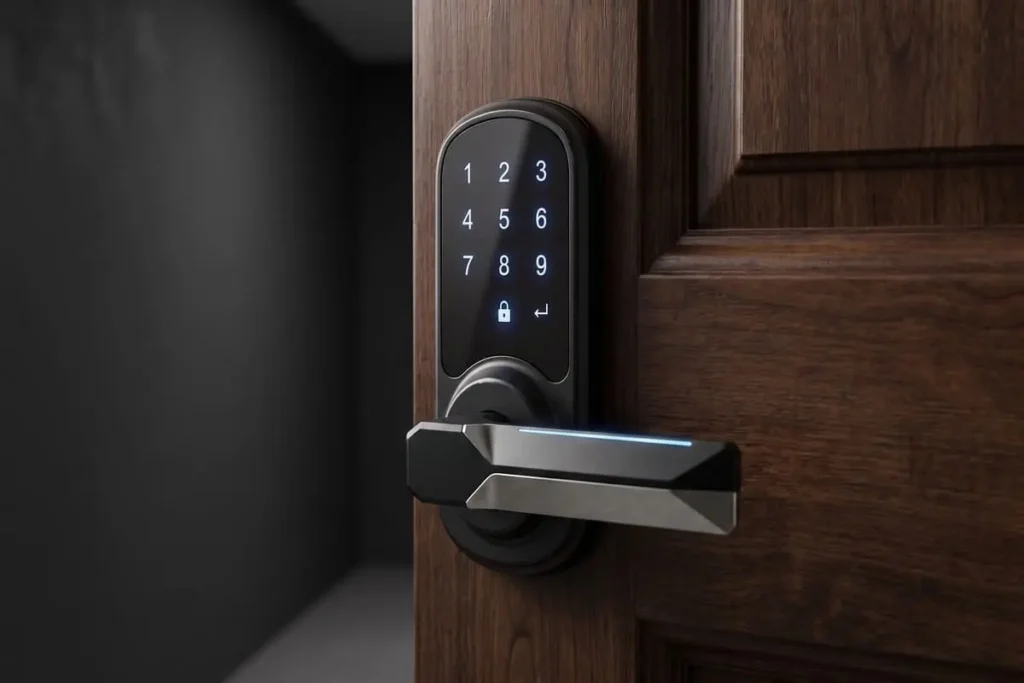
Smart locks bring in the high security standards associated with modern locks, but with a modern twist of technology. The digital profile provides convenience, control and an extra layer of security by eliminating the constant worry of lost physical keys. But then, all these come as an investment. So, how much do smart locks cost?
Smart locks for home come in all shapes and sizes. Like any other industry, there are good bits, as well as bad bits. On the same note, the price on the shelf isn’t really the full picture. There’s much more to pay attention to. Here’s everything you need to know about extras, hidden parts and general considerations before making a purchase.
At the end of the day, the price isn’t just a number, but the level of security you can gain from this upgrade and the potential costs and expenses over the life of your locks.
How Much Do Smart Locks Cost by Tier?
How much do smart locks cost across different quality levels? It really comes down to which tier you shop in.
What are the best budget-friendly smart locks? Take a look at different tiers, as well as the features they usually come up with and their price tags.
Take budget models, for example. This is the cheapest tier, ranging between $40 and $80. You’ll usually find less known brands in this category. So, if you’ve done your homework and researched brands, chances are you won’t find the front-runners here.
However, you’ll gain access to Bluetooth connectivity, as well as retrofit installations, meaning the locks will attach to your current deadbolt without requiring complete mechanical disassembly. It’s not a full lock install. You can control some models remotely as well.
Willing to spend a bit more? The mid-range tier is where most buyers shop. You want a middle option, value for money and strong features. Unless you can afford more, there’s often no need for bells and whistles. Such models usually cost between $100 and $150.
You usually get more connectivity options , including direct Wi-Fi links, stronger locks, better builds and even access to more entry options, such as code access for backup or temporary guest codes for visitors.
Last, but not least, premium models tend to cost more than $150 and can easily double up in price. You could have extra features like video access, fingerprint or facial recognition access and other sophisticated features.
This category mostly suits people who desire the latest trends in security and just won’t compromise for anything. It’s also suitable for big families where more people may need access to the locks.
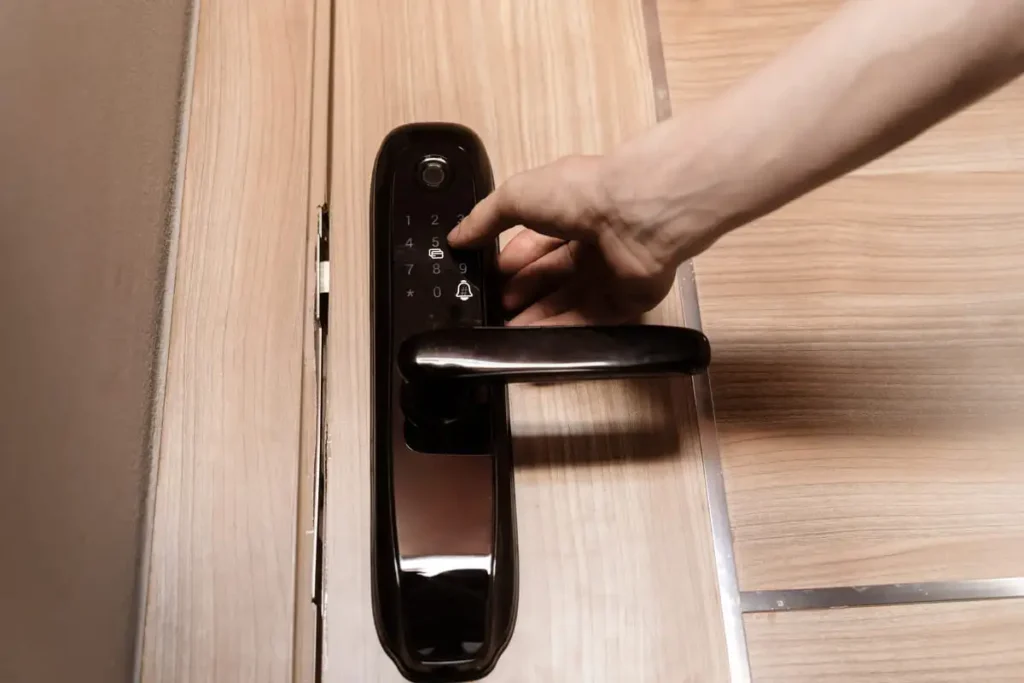
Hidden Costs People Don’t Expect
Now, while you’re probably thinking that you have a budget in mind and you can shop for a certain category of smart locks, the long-term costs associated with running them are often overlooked.
Once again, a smart lock isn’t all about the price you see on the shelf or while shopping online. There are many more costs associated with it. And this way, a cheap lock could easily become an expensive one if you don’t shop right and end up replacing batteries constantly or paying surprise fees.
Let’s see some of the hidden expenses that people forget about.
Bridge modules aren’t always standard. This piece of hardware is basically wireless connectivity. If you have it, your lock has full Wi-Fi connectivity with your existing network. Many budget options (and even some mid-tier options) rely on Bluetooth connectivity, rather than wireless connectivity.
Going wireless offers remote access and more versatility. You may think you don’t need it now, but chances are you’ll invest in it later for peace of mind while traveling. It should be a standard feature, but sadly enough, it’s not.
Then, just like camera doorbells, some smart locks will come with specific subscription packages. You probably imagine that you don’t need one, but think about why you may actually need it.
- Cloud storage. Most locks don’t come with memory cards or internal memory storage.
- Remote features. Some locks allow you to control everything remotely.
- Access logs. You may want to have full logs, which are often stored in the cloud.
So, how much do smart locks cost if you want a subscription too? It’s usually paid monthly or yearly and varies. Both costs and features will vary from one brand to another.
Finally, don’t forget about the installation. You can do it yourself if you know what you’re doing. It’s not like installing a simple doorbell with a couple of screws though. If you’re not sure about it, consider hiring a handyman or locksmith. You’ll need to consider wiring, alignment issues, locking issues and so on.
Cost Per Year of Use, Not Just Sticker Price
Wrapping everything up, how much do smart locks cost when you look past the sticker price? A smart lock that costs $80 on the shelf could easily go to over $200 over a year. You could spend $40 for the installation, for example. You could also spend $5 or $10 a month on a subscription. Things like that are never really considered by those who shop on a tight budget.
On the same note, like for everything in life, you can get a cheap product and expect it to fail or require replacement in less than a year. Over a few years, an expensive smart lock could prove to be cheaper, as it won’t need repairs, while it already has features like Wi-Fi connectivity or remote access.
When considering the cost and all the associated expenses, make sure to plan this with the long-term in mind. It’s not just a classic one-off purchase, but an investment that may require spending more and more. That’s why you’ll have to plan it well in advance.
Plus, it’s the security of your home, let alone your family. You want the best for them, right?
Budget-Friendly Options Worth Considering
If you’d rather skip the research and go straight to trusted picks, our guide to the best smart locks in 2026 breaks down top options across every budget. But if you want to figure out what suits your needs, this is where you’ll have to assess your personal needs.
What are the best budget-friendly smart locks when you don’t want to spend a fortune, but you’d like thorough security with no fancy bells and whistles? This is where you’ll have to assess your personal needs.
You’ll also need to figure out the difference between essential features and random bells and whistles.
Let’s start with the essentials.
The build quality is your priority. A smart lock becomes useless if it can be broken with no issues whatsoever. You need a strong and solid lock that will sustain the most common types of attacks, such as lock bumping or forced entry attempts. Traditional reliability is a must here.
Remote access is another good feature to have. Whether you want to check doors for your peace of mind or your kid simply forgets the front door unlocked, you want the option to lock everything without being there right from your phone.
Consider the necessity of a subscription as well, why you need it and whether you can do without it.
On the other hand, fancy bells and whistles aren’t really needed. For example, while convenient, video access isn’t always needed. You can get a camera for better coverage instead. A perfectly polished app isn’t needed either. As long as you can lock and unlock everything, you’ll be fine.
When It’s Worth Paying More
Generally speaking, it’s worth paying more when your budget is massive. When you don’t care about money, you can get the most expensive and advanced smart locks with no issues at all. But, how much do smart locks cost when your budget is limited?
If you’re renting a property, it’s not worth changing locks and going for advanced alternatives. But then, it might be an option if you’re planning to rent the same place for years. A primary residence also requires a good investment, rather than a temporary one.
Front entry access can do with smart access, while side or back doors don’t always need the most sophisticated features. Don’t sacrifice the build quality, though, regardless of which door the lock goes on.
Think about the size of your family too. Plenty of users may also ask for different access modes, let alone access logs. Shared access situations should also be considered like granting recurring access to house cleaners or dog walkers.
Plan your needs, then plan your shopping experience. What do you need? What can you do without? How much can you afford to spend? Who has Black Friday offers on smart locks? All these answers will help you in the process.
FAQs
Many smart locks don’t have monthly fees, but some do, especially if you want advanced features like logs, video access, 24/7 monitoring and so on, which require cloud server storage.
Unless you’ve installed locks before, it’s worth paying a locksmith or handyman to do it. It’s the security of your home and family, so don’t go cheap on it.
Budget smart locks are reliable if you choose a brand with a good reputation. However, they often come with cheaper materials, less smart home integration and even shorter lifespans.
Smart locks can easily last between five and 10 years, yet it depends on physical wear, software support, how often they’re used and even battery maintenance, including using lithium batteries.
Conclusion
How much do smart locks cost? As you can see, smart locks for home vary widely in quality, features and prices. Are smart locks safe if you go for the cheapest one? Probably not, just like the most expensive one isn’t always the best.
Probably not, just like the most expensive one isn’t always the best. If you’re unsure about installation or want a vetted professional, the Associated Locksmiths of America (ALOA) maintains a directory of certified locksmiths across the U.S.
Think about your actual necessities first, then consider features that might be nice to have, as well as your available budget and long-term expenses before making a decision.