
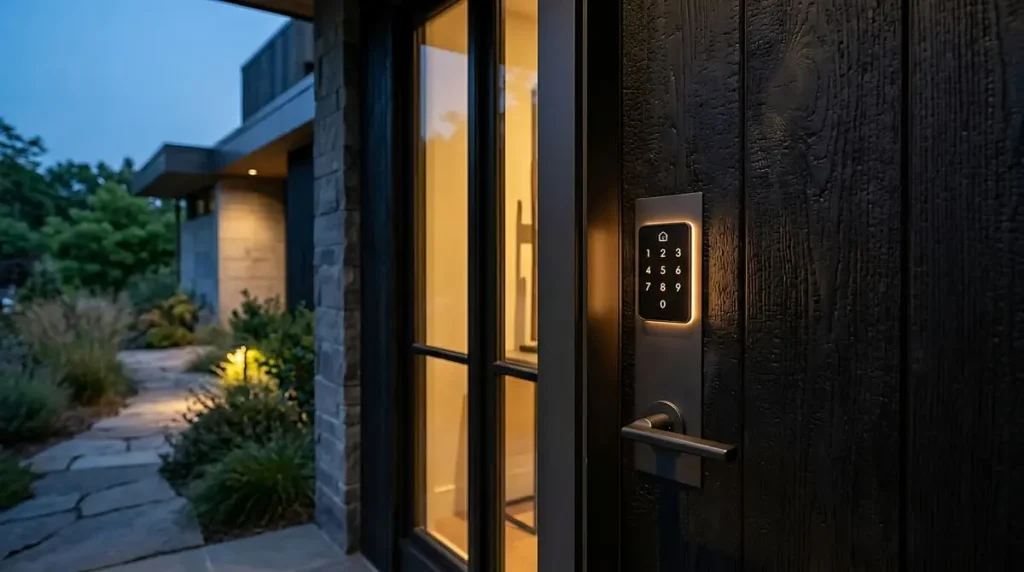
Like pretty much everything in today’s world, you can find a “smart alternative” for locks as well. But then, how do smart locks work? Are smart locks safe? A smart lock is basically a classic deadbolt with wireless control and access.
Whether you’re undecided about the switch or you want to understand how smart locks work, here’s everything you need to know about the mechanical side of your query.
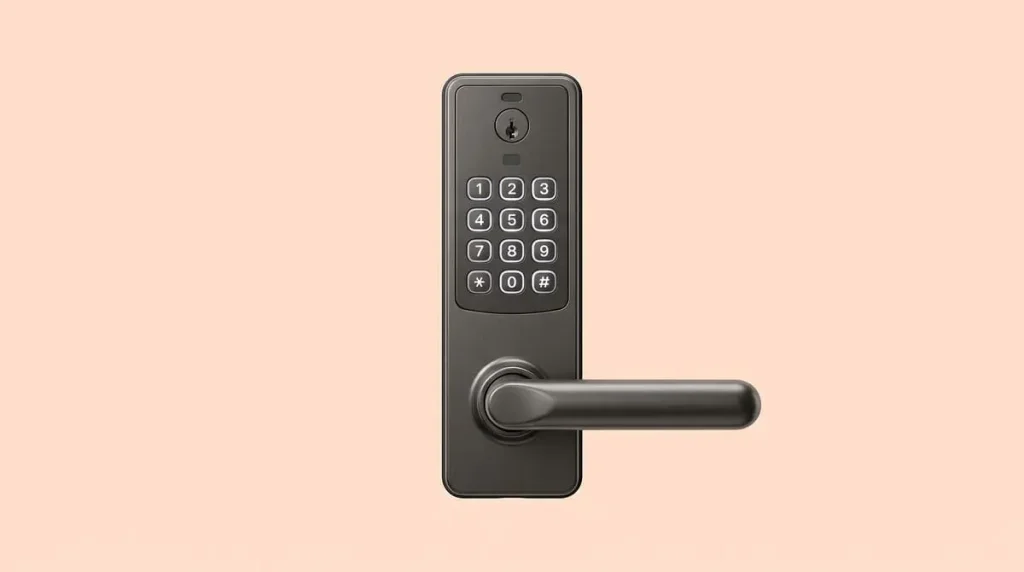
The Core Components
In theory, the difference between a traditional lock and a smart one is the remote control via wireless connectivity. Therefore, the core components are quite similar.
- Motorized deadbolt or latch. The current lock parts are identical. They’re motorized because they need to be operated by the associated mechanism via remote control.
- Access method. Some smart locks are accessed by fingerprints. Others have a keypad. You also have mobile apps or other options such as contactless RFID cards, Apple Home Key NFC taps, and temporary guest codes.
- Wireless access. For wireless communication to be possible, smart locks come with wireless radio capabilities.
- Battery. The smart element of the lock requires a battery and a compartment for it typically housed discreetly behind the interior escutcheon plate.
How the Unlock Process Actually Works
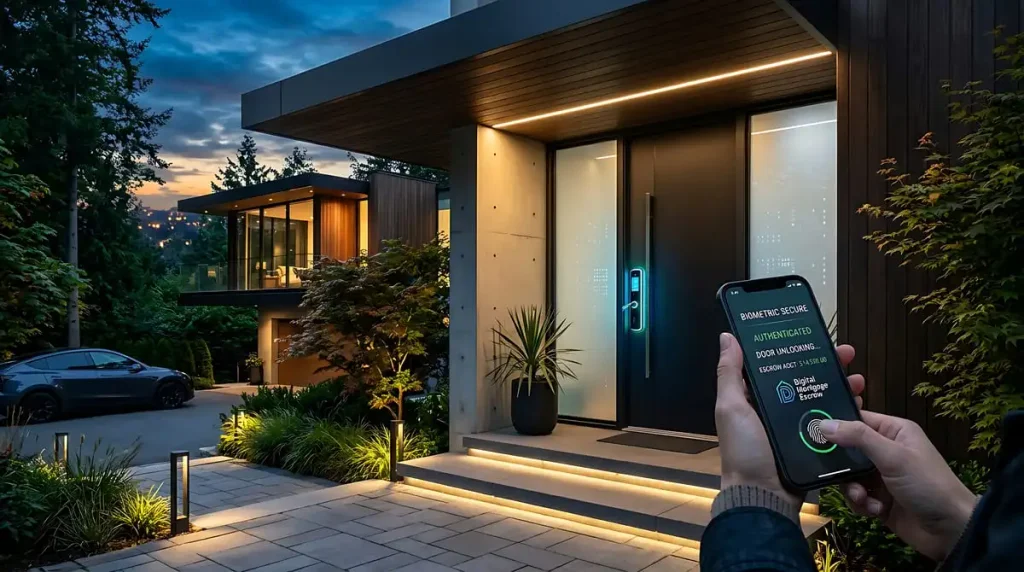
So, how do smart locks work? Here’s the process in a step-by-step sequence. While it may look sophisticated to some, it’s actually simple to understand and straightforward.
1. Receiving Signal
This is the first step. The lock won’t activate by itself, unless it gets a signal. This signal could come from any direction, depending on its build.
Some locks can be operated via a mobile app. Just tap to lock or unlock, and the signal is sent to the lock. Others work with fobs, keypads, fingerprints or even geofencing technology that pings the door as you step into your driveway, you name it.
2. Verifying Credentials
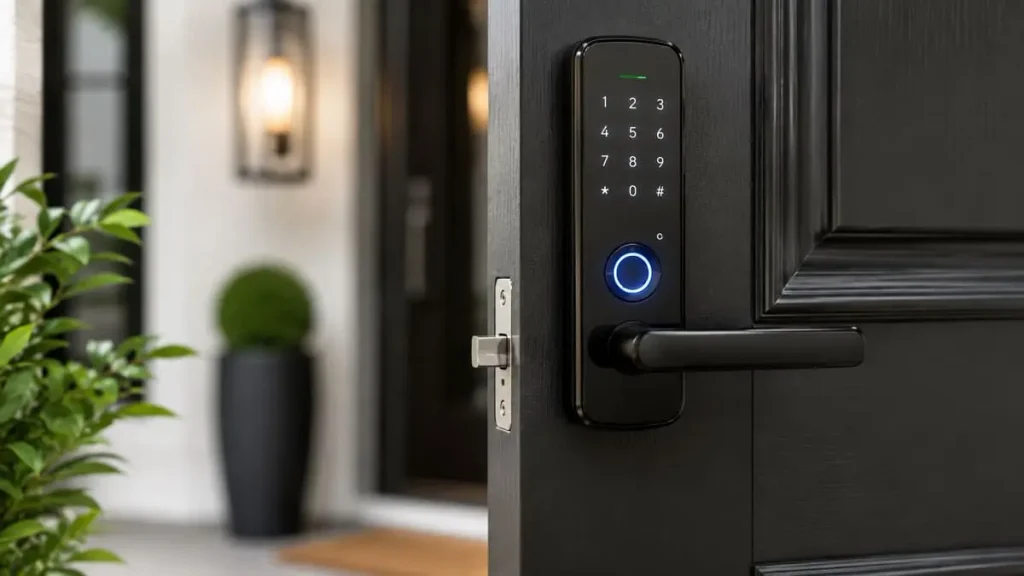
Just because they’re smart doesn’t mean that anyone can operate them. Quality smart locks also come with enhanced security standards.
Before operating the lock or responding to the request, the system checks the credentials, such as the fob, password, access to the mobile app or other elements.
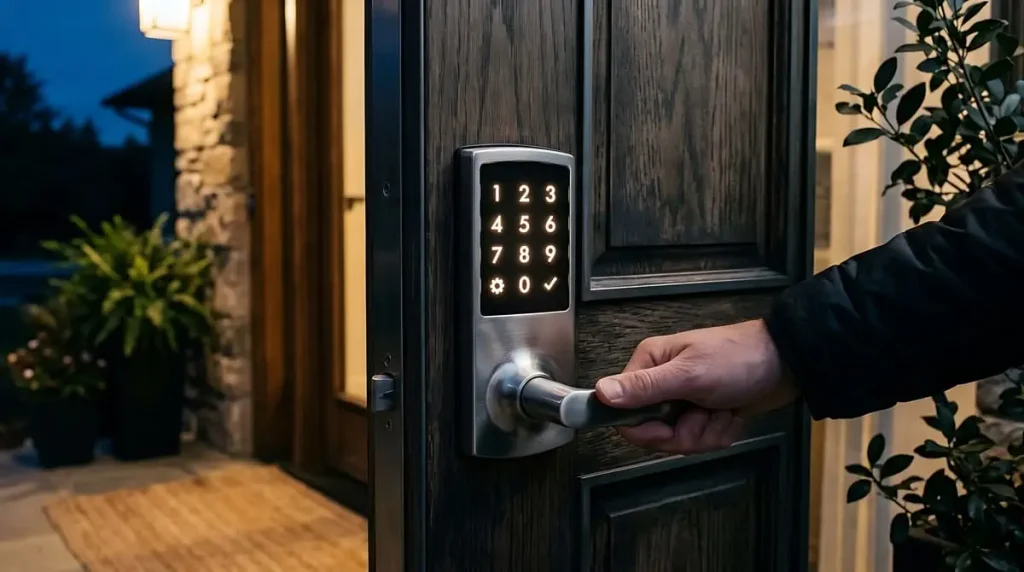
3. Retracting the Deadbolt
Assuming the credentials are correct, the lock is operated. Whether you choose to lock or unlock the system, the lock performs the request straight away.
Bluetooth Vs. Wifi Vs. Hub-Dependent: What’s the Difference?
Which option is better depends solely on your needs. Here’s each of them, so you can understand both the pluses and minuses.
Bluetooth
This option ensures a connection between your device and the lock via Bluetooth. The range is short, so you can only operate it in person.
- No access to the Internet required.
- Difficult to hack without a web connection.
- Can’t be operated remotely from a distance.
Wifi
The wireless connection is more versatile and common these days, especially since most people rely on Wifi for home connectivity.
- Access to the Internet is required round the clock.
- Remote operation from anywhere in the world.
- More detailed access logs, if any.
- Requires mechanical backup if the connection fails.
Hub
From many points of view, this is a middle option that’s routed through a smart home hub. Features, settings and compatibility vary from one hub to another.
- Some of the main options include Z-Wave, Zigbee and matter, which build reliable, self-healing local networks with low latency.
- Each hub has its own compatibility standards, so check smart lock compatibility before choosing a model.
- Connectivity to the hub can be via Bluetooth or the Internet.
Do You Need to Replace Your Whole Lock?
So, how do smart locks work? Understanding the concept will help you fight potential misconceptions.
Most people can’t be bothered to replace a quality lock that works flawlessly. They’d rather give it more time until it starts acting funny.
Here’s the good news. You don’t need a full replacement. Most smart locks can easily be fitted onto existing deadbolts.
Obviously, each lock and door system is different and may require its own adjustment. For example, the door and frame alignment may need light adjustments here and there if the installation doesn’t suit.
The point is there’s no such thing as a general rule, but in most cases, you can add the smart element without replacing the whole lock. Before upgrading, read our guide to choosing smart locks for your home for more on door compatibility and installation.
Battery Life and What Happens When It Dies
Batteries last between six and 18 months, depending on the connection.
- Bluetooth lock batteries last six to 12 months because they “sleep” until activated.
- Wifi lock batteries last up to six months because they require a constant connection.
- Hub lock batteries last nine to 18 months because of low-power networks.
Other factors that can affect battery life include the number of lock/unlock cycles a day, temperature and weather conditions.
So, how do smart locks work then if the battery drains out of nowhere? Most locks will give you an early warning, days or even weeks before the battery goes off. You’ll have plenty of time for replacement.
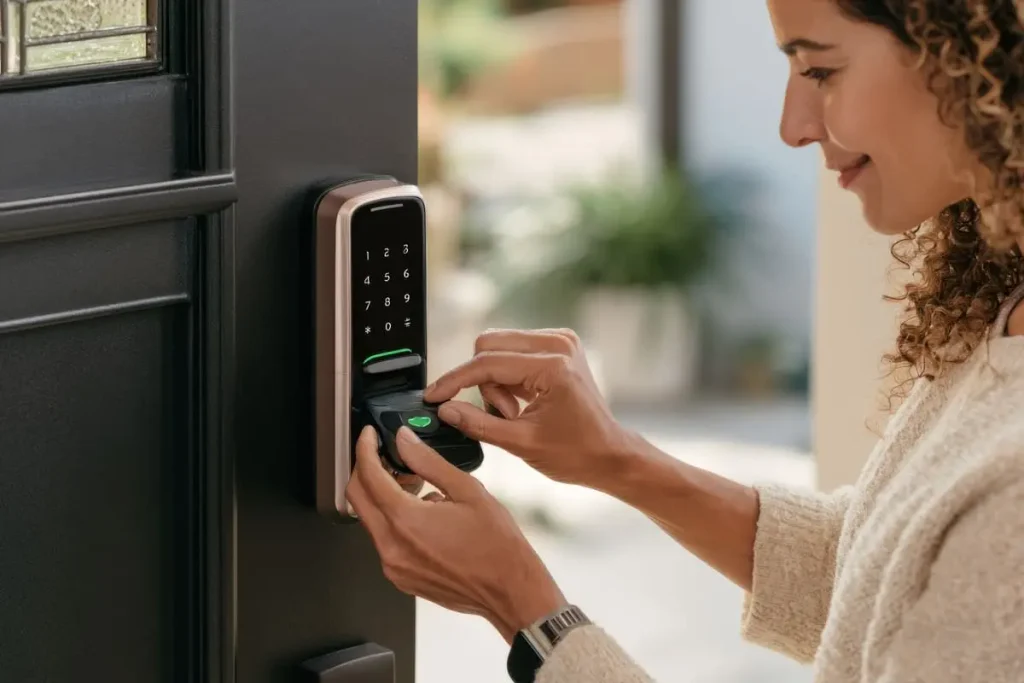
Other than that, most models come with a mechanical override or fallback in case there’s no battery or Wifi connectivity alongside emergency external contact terminals that let you jump-start the dead keypad from the outside using a standard 9V battery or USB-C power bank.
So, are smart locks safe when there’s no battery or connectivity? Yes, as you’ll always have some sort of backup.
FAQs
Signal credentials are checked before operating the lock. Whether you use a password, fob, fingerprint or secure mobile app, these things tell the lock that it’s you operating it.
Do smart locks work without Wifi?
It depends on the connectivity. If it connects via Bluetooth or a local hub, it won’t need a constant Wifi connection. Other locks, on the other hand, connect via Wifi exclusively.
Can a smart lock be installed on any door?
Compatibility depends on the door thickness and material, as well as the type of lock. Therefore, while smart locks can go on most doors, this isn’t always a general rule.
What happens if the battery dies?
The lock won’t be able to operate, yet most locks have mechanical backup, so you can still use it. However, you’ll use it with a key, rather than the smart features. The same rule applies if you have a Wifi connection and the Internet is down.
How do smart locks work? Understanding their connectivity features and operating principles can help you choose the right smart locks for your home. Generally speaking, there are no major differences between classic and smart locks, apart from the smart mechanism that operates the system. Ready to compare models? Explore our best smart locks for 2026 to compare features and find an option that suits your home.