
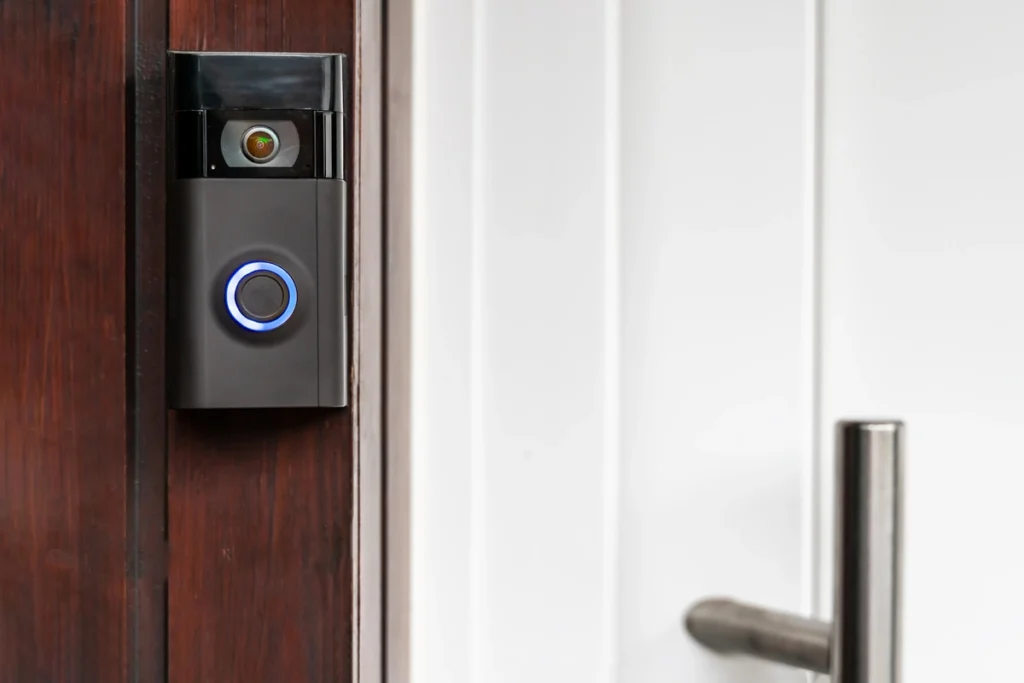
Smart door locks with camera hardware do two jobs at once. They replace your key with a code a fingerprint, or an app, and it shows you who’s standing at your door before you open it. For a lot of homes, that means one device on the door instead of a separate lock and a separate doorbell camera bolted on above it.
This is still a fairly young category. Most smart locks skip the camera entirely, and most video doorbells have nothing to do with your deadbolt. The handful of smart door locks with camera hardware that combine both are bulkier, pricier, and more complicated to install than a standard lock. But for the right home, especially one where a porch or storm door makes a normal doorbell awkward to mount, an all-in-one unit is worth a look.
Here are four choices, one for each of the common methods people use to buy products in this category. They include the most comprehensive choice and the most economical but worthwhile purchase choice. Then there’s the choice without the subscription charges and the one which resembles a video doorbell.
How We Picked These
When you’re comparing smart door locks with camera hardware built in, four things matter more than anything else. Camera resolution and field of view, as a fuzzy or zoomed-in image would be useless. Storage for video recordings, as “local versus cloud” storage determines both your costs in perpetuity and the security of your footage. Lock build quality, as the lock itself should not fail when experiencing a software issue. And finally, compatibility with smart home features, as your new lock should integrate with your current voice controls.
Locks that failed badly on any one of these got dropped, even if they were strong everywhere else. A gorgeous camera bolted to a flimsy deadbolt isn’t a security upgrade.
On integration specifically, we paid attention to whether a lock works with the smart home setup most people already have. Alexa and Google Assistant support is common across this category. Apple HomeKit is not, at least not yet, so if your whole house runs on Apple’s ecosystem, double-check compatibility before you buy rather than assuming it’ll just work.
The Best Smart Locks with Cameras in Short
- Best overall: Lockly Vision Zeno Series
- Best budget option: eufy Video Smart Lock E330
- Best for No Subscription Fees: Lockly Vision Elite
- Best for video doorbell-style coverage: eufy FamiLock S3 Max
Best Overall: Eufy Security Video Smart Lock S330
Rating: 4.6/5
The S330 is the closest thing to a “does everything well” pick in this category. You get a 2K camera, a fingerprint reader, a keypad, a physical key backup, and app control, all built into one deadbolt. It ships with a small hub called the Chime, which also plugs a microSD card into your setup for local video storage, up to 128GB, with no subscription required to record and review clips.
The camera’s smart detection goes beyond basic motion alerts. It can tell the difference between a person walking up, someone leaving, and someone lingering near your door too long, which cuts down on the flood of notifications you’d otherwise get from generic motion sensing. The lock itself carries a solid BHMA security rating, and the 10,000 mAh battery is large enough that most owners report charging it every few months rather than every few weeks.
It’s not cheap, and the Chime hub adds one more piece of hardware to find a spot for. But for a single device that covers the lock, the camera, and the doorbell, it’s the strongest all-around option on the market right now.
Typical price range: $280–$350, though it’s frequently discounted below list price at Amazon, Best Buy, and eufy’s own site. Worth checking all three before buying.
Best Budget Option: Eufy Video Smart Lock E330
Rating: 4.3/5
The E330 is the simplified version of the S330 from eufy. This is the best choice for those who desire the camera lock but do not wish to spend a premium amount. The 2K camera, fingerprint authentication, keypad, and clear two-way audio remain intact. Video performance is decent in low-light conditions as well. Setting up the lock takes about 15 minutes, using just a screwdriver.
The drawback of this device is that it lacks storage space. The E330 offers a minimum amount of storage space built into the lock, which allows basic clip recording only; however, in case of a desire to have more space and longer history, one should add eufy’s HomeBase to their order. Without this extra equipment, you will be limited only to live feed and short clips.
Nonetheless, for those looking for an electronic keyless system with a camera, but don’t want to go the S330 route, this is your best option as it is cheaper and offers the essential attributes of both the camera and the locking mechanism.
Typical price range: $220–$260.
Best for No Subscription Fees: Lockly Vision Elite
Rating: 4.2/5
Subscription creep is one of the most common complaints buried in smart lock reviews, and it’s a real cost to factor in before you buy (we cover this in more depth in our smart lock cost breakdown, specifically the hidden-fees section). The Vision Elite sidesteps the problem outright. Lockly markets it as a no-monthly-fee device, and it backs that up with local video storage on a memory card rather than a mandatory cloud plan.
Beyond the camera, this is one of the most flexible locks in the category for unlock methods: fingerprint, a scrambling PIN keypad designed to resist someone watching over your shoulder, the app, or a traditional key. A built-in solar panel trickle-charges the battery, which helps offset the power draw from running a camera around the clock.
The catch is that the memory card isn’t included out of the box, so budget for that separately if you want local recording from day one. The unit is also large and the installation is more involved than a standard deadbolt, with more wiring to manage than most people expect. And at 1080p with a narrower field of view than some competitors, the camera itself is good rather than great. If avoiding a monthly bill is your priority, though, it delivers.
Typical price range: $400–$500, with the brand’s site regularly running sitewide discount codes that bring it closer to $300.
Best for Video Doorbell-Style Coverage: Lockly Vision Prestige
Rating: 4.4/5
If your goal is to genuinely replace a separate video doorbell, the Vision Prestige is one of the few smart door locks with camera hardware actually built for that job. It pairs a wide-angle 2K camera with facial recognition unlock and a screen built into the inside of the lock. Touch the back panel and it lights up to show you a live view of whoever’s outside, no app required to check who’s there. That’s a meaningfully different experience from locks where you have to pull out your phone every time someone knocks.
This technology also includes the radar system that detects a person before he or she comes close enough to the door. The device does not wait until somebody crosses the motion zone. Along with a wider angle of vision, it sees much more of your porch area compared to other camera locks.
This is a newer release, so it hasn’t built up the same multi-year track record as the Eufy or Lockly Vision Elite. And the price sits at the top of this list. But if the whole point of buying a camera lock is to stop needing a separate doorbell, this is the one that comes closest to actually doing that.
Typical price range: $480–$550.
Comparison Table
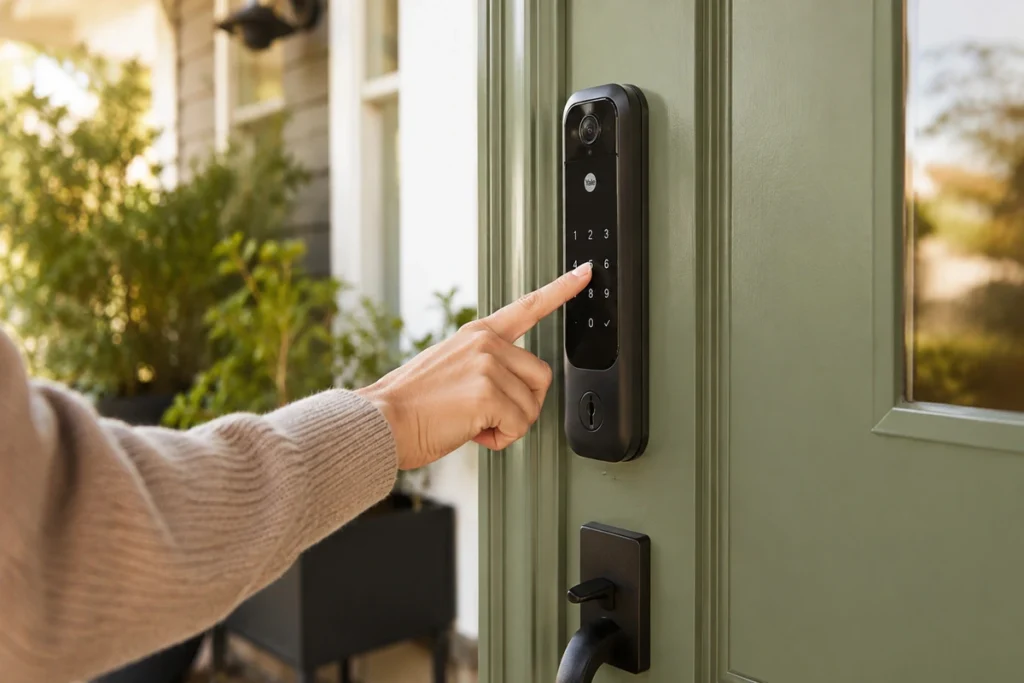
Here’s how the four best smart locks with camera options stack up side by side.
| Model | Rating | Price | Storage | Best for |
|---|---|---|---|---|
| Eufy Security Video Smart Lock S330 | 4.6/5 | $280–$350 | Local (microSD via Chime hub, up to 128GB) | Most complete overall package |
| Eufy Video Smart Lock E330 | 4.3/5 | $220–$260 | Built-in onboard storage, expandable with separate HomeBase | Best value in the camera-lock category |
| Lockly Vision Elite | 4.2/5 | $400–$500 | Local (microSD, sold separately) | No subscription, most unlock methods |
| Lockly Vision Prestige | 4.4/5 | $480–$550 | Local, with optional cloud features | Live screen view, closest to a real doorbell |
Smart Lock + Video Doorbell Combos: Does a Camera Lock Really Replace Your Doorbell?
If you’re weighing video doorbells and smart locks for home security as two separate purchases, here’s the short version: a good smart lock and doorbell combo can cover basic “who’s at the door” duty on its own. But how well each of these four picks actually pulls off that job varies more than it looks on a spec sheet.
The Eufy S330 functions as a real smart lock with camera and doorbell built into one deadbolt. A visitor presses the button, you get a push notification with a live 2K feed. The catch, according to owner reviews, is that the doorbell button itself isn’t always obvious to visitors, so some just knock instead. The E330 offers the same doorbell basics at a lower price, minus the smart detection tiers.
The Lockly Vision Elite doubles as a doorbell too, with two-way audio built in, though its camera isn’t the sharpest of the four. Good enough to see a face, less good for catching someone approaching from the side.
The Lockly Vision Prestige comes closest to being a true video doorbell and lock combo, answering the door with its radar and built-in screen so you don’t even need your phone. That’s a meaningfully different experience from every other lock on this list.
A physical limitation worth checking first: many people consider one of these combo products specifically because of a storm or screen door, but eufy’s installation manual states the E330 doesn’t work well with storm doors, since it can block the camera’s field of view. None of the four manufacturers provide an explicit statement about storm-door compatibility, so confirm with the vendor before buying if your front door sits behind one.
It’s worth knowing that if you currently have a standalone video doorbell (say, a Ring or Nest), none of the four locks integrate with third-party doorbell products. The system operates independently with its own app, so you’d be using two separate systems rather than one. While this is far from a critical flaw (many users run a camera lock and a separate video doorbell side by side), make sure you’re okay with using two different apps.
Taking a step back, the main point is whether the combination device is the right solution for your home altogether.
| What matters | Lock + camera combo | Separate lock and doorbell |
|---|---|---|
| Camera placement | Fixed at the lock’s height and angle | Mounted wherever gives the best view of your porch |
| Installation | One deadbolt swap, plus an indoor hub for some models | Two separate installs, each on its own schedule |
| Total cost | Device price plus any hub, storage card, or accessories | Two separate budgets, but each piece can be replaced on its own |
| Upgrading later | A camera upgrade usually means replacing the whole lock | Either device can be swapped out independently |
A combo makes sense when your front door lock already has a clear view of your doorstep and there’s no good spot for a separate doorbell. Individual devices make more sense if you already like your doorbell, packages tend to get left on the side of the door, or you want the freedom to upgrade the camera without replacing the whole lock. Either way, price the complete setup (hub, storage, and installation included) rather than just the sticker price of the lock itself.
What to Know Before Buying
A few things are worth understanding before you buy any of these smart door locks with camera hardware, since they behave differently from a standard deadbolt in ways that aren’t always obvious from the spec sheet.
Local vs. cloud video storage
Every camera lock has to store footage somewhere, and the two options come with real tradeoffs. Local storage, usually a microSD card or a small hub on your network, means no monthly fee and your clips never leave your house. The downside is that if someone steals the lock or the hub, they can take the footage with it, and you’re on your own for backups. With cloud storage, your footage is kept safe offsite, and there are often enhanced functionalities available, such as person recognition. However, you will pay regularly for this service and your data will be stored on the servers of a third-party company. This means that if the price is not an issue for you, go with a lock offering good local storage capacity.
Impact of battery life
The presence of the camera affects the battery life equation. The consumption of energy in using the camera is higher than that of a standard smart lock. The small footage taken when there is movement may accumulate over time. In case of high traffic of people coming to the door, you will use up the batteries quicker than you would with just a lock.
Some models compensate for that with the help of solar trickle charging or an unusually large battery; this helps but does not solve the problem. If the sunlight is not a regular visitor of your door, do not rely entirely on solar charging. It is important whether it is possible to remove the battery for charging inside the house.
Field of view and placement
The camera on a lock system is going to be placed lower and farther away from the front door than the doorbell camera. This alters what the camera would be able to see. No matter how much of an angle the camera lens uses, there will still be much of the porch unseen. Don’t treat one of these as a full replacement for a proper security camera system covering your property. Think of it as a way to see who’s directly at your door, not a way to monitor your whole yard.
Wi-Fi, Bluetooth, and Matter: How These Locks Actually Connect
A “wifi door lock with camera” doesn’t mean the same thing across every model here. And if you’ve been searching for a wireless door lock with camera instead, the distinction matters even more. Some of these locks still rely on Bluetooth talking to a separate hub rather than connecting to your Wi-Fi network directly, so it’s worth knowing which setup you’re getting before you buy.
| Lock | How it connects | What that means for you |
|---|---|---|
| Eufy S330 | Lock talks to the included Chime hub via Bluetooth; the hub handles Wi-Fi | Basic lock/unlock still works over Bluetooth if your Wi-Fi drops, but you need the hub for remote app control and expanded local storage |
| Eufy E330 | Wi-Fi and Bluetooth built directly into the lock | No hub required for core functions; an optional MiniBase Chime just adds extra storage |
| Lockly Vision Elite | Lock talks to the included Vision Connect Hub via Bluetooth; hub needs a wired Ethernet connection | The hub has to sit near your router (for the Ethernet run) and within about 50 feet of your front door (for Bluetooth range). Worth measuring both distances before you buy |
| Lockly Vision Prestige | Built-in 2.4GHz Wi-Fi, no hub | The only lock on this list that connects straight to your router with nothing extra to place or wire |
The practical upshot: if your router isn’t near your front door, the Vision Elite’s hub requirement can turn into a real installation headache, while the E330 and Vision Prestige are more forgiving.
It’s also worth measuring your actual door before you buy, not just your Wi-Fi setup. The Vision Elite, for instance, requires a door between 35–50mm thick, a 60mm or 70mm backset, and a 54mm bore hole (Lockly’s own installation specs). A great Wi-Fi connection won’t help if your existing deadbolt hole doesn’t match the new lock’s hardware. And if you’re after a smart door knob or handle with a camera rather than a deadbolt, none of these four fit that description. All four replace a deadbolt, not a knob or lever set.
Matter itself is also worthy of further consideration before you dismiss it. Until November 2025, Matter was defined by its ability to control locks, lights, and sensors alone. There was no way for cameras and video doorbells to integrate into the protocol until Matter 1.5. Even with that expansion, there are two issues with Matter that remain: first, there is lag in the ecosystem as far as support is concerned (the latest news as of the time of writing shows that only Samsung SmartThings has rolled out the camera functions of Matter so far, even though Apple, Google, and Amazon have promised to do so), and second, even if you have an entirely Matter-certified lock with a camera (e.g., the newer FamiLocks by eufy), its live stream and recordings go through its own proprietary app and not Matter itself. If you searched for a smart lock with camera Matter support expecting a simple yes-or-no, here’s the honest answer for these specific four picks: none of them (the S330, E330, Vision Elite, or Vision Prestige) are Matter-certified as of now, on the lock or the camera side. eufy has started certifying newer models in its lineup, so it’s worth checking eufy’s current Matter lock page directly before you buy, in case that changes for these locks specifically.
Unlock Methods Compared: Keypad, Fingerprint, App, or Key
Whether you searched for a keyless door lock with camera, a digital door lock with camera, or a biometric door lock with camera, all four locks on this list cover the basics. But the number and type of unlock paths varies more than you’d expect. And it matters more here than on a plain lock, since getting locked out with a camera watching you fumble is its own special annoyance.
| Lock | Fingerprint | Keypad | App | Physical key | Other methods |
|---|---|---|---|---|---|
| Eufy S330 | Yes, under half a second | Yes | Yes | Yes (2 included) | Voice unlock via Alexa/Google (requires a PIN set up for security) |
| Eufy E330 | Yes | Yes | Yes | Yes (2 included) | Apple Watch unlock via Bluetooth proximity; Alexa/Google voice unlock |
| Lockly Vision Elite | Yes, 3D biometric, stores up to 99 prints | Yes, “PIN Genie” scrambling keypad | Yes | Yes | Revocable scan-to-open QR eKey; Alexa/Google voice |
| Lockly Vision Prestige | Yes | Yes, PIN Genie | Yes | Yes | Facial recognition with radar presence detection; NFC via Apple Home Key |
The Vision Elite has the widest spread of options, including a scan-to-open QR eKey you can hand a dog walker or short-term guest without giving them a permanent code (useful if you need temporary access more than a full user profile). Both Lockly locks use the brand’s “PIN Genie” system (a keypad lock with camera monitoring built directly into the door), which scrambles the number positions every time you press it so someone watching over your shoulder can’t learn your code from finger position alone.
The Vision Prestige is the outlier: facial recognition is its headline feature, paired with radar that starts scanning as you approach rather than waiting for you to reach the door. It’s the closest thing in this category to a hands-free keyless entry door lock with camera monitoring.
FAQ
That is not always the case. There are several models available which provide local video storage without having to pay any mandatory monthly charge. However, cloud storage and features such as long-term clip storage and AI detection will normally be locked behind a subscription plan. Find out if local video storage comes as part of the package or as an additional add-on before buying.
Are smart locks with built-in cameras reliable?
The lock mechanisms on well-reviewed smart door locks with camera hardware are generally solid, often carrying the same security certifications as camera-free smart locks. Where reliability issues tend to show up is on the software and connectivity side: dropped Wi-Fi, missed notifications, or a camera feed that lags. Reading recent user reviews for the specific model you’re considering is worth the ten minutes, since firmware updates can meaningfully change performance over a device’s lifespan.
Can a smart lock camera replace a video doorbell?
For basic “who’s at the door” coverage, yes, especially with a model like the Lockly Vision Prestige that’s built around wide-angle coverage and live viewing. But a lock-mounted camera sits lower and has a narrower view than a doorbell mounted above your door, so it won’t catch as much of your porch or yard. If package theft or full-porch monitoring is your main concern, a dedicated video doorbell alongside a regular smart lock may still serve you better.
Final Thoughts
Smart door locks with camera hardware make the most sense if you want one device instead of two. They’re also useful when a separate doorbell is hard to place near your door. Now, even if you are not impressed by this particular smart lock due to its camera capabilities, it is recommended that you read our comprehensive best smart locks list, where you will find smart locks without the camera included at a relatively lower price point. And if cost or safety are still open questions for you, we’ve got you covered there too: check out how much smart locks actually cost and whether smart locks are safe for the full picture.