
How do smart light bulbs work, and is switching to them really as simple as swapping out your old bulbs? At first glance, smart bulbs look like a simple switch. Get rid of the old bulbs and get some smart ones instead. However, it’s not that easy, as you’ll also need to consider the wiring and switch, let alone the costs that come with them. That’s what most people fail to think about in the first place.
They often consider smart bulbs to be completely plug-and-play without realising how wall switches impact daily operation.
So, how do smart light bulbs work then? That said, let’s take a look at their operating principles, how they should be installed and what kind of changes you should make in order to avoid unpleasant surprises later.
How Do Smart Light Bulbs Work?
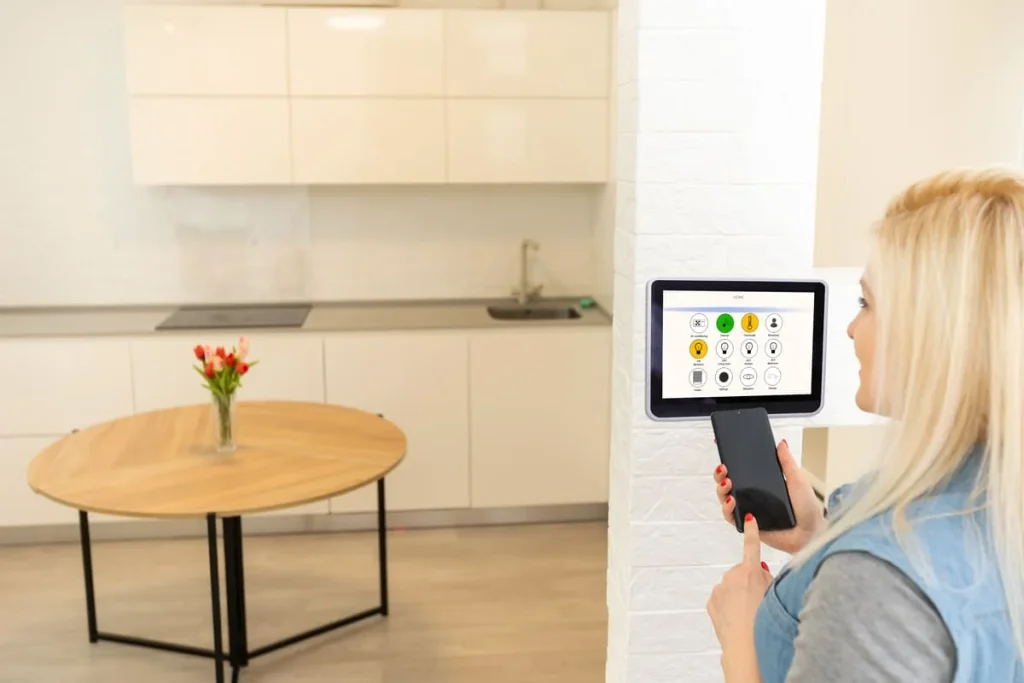
Smart light bulbs are smart because they feature small chips on the inside typically consisting of a microcontroller unit (MCU) paired with a miniature wireless transceiver and an internal driver board. These chips connect to your wireless network. They get a signal and, based on your requirements, they can adjust the brightness of the LED or even the color, depending on the available features.
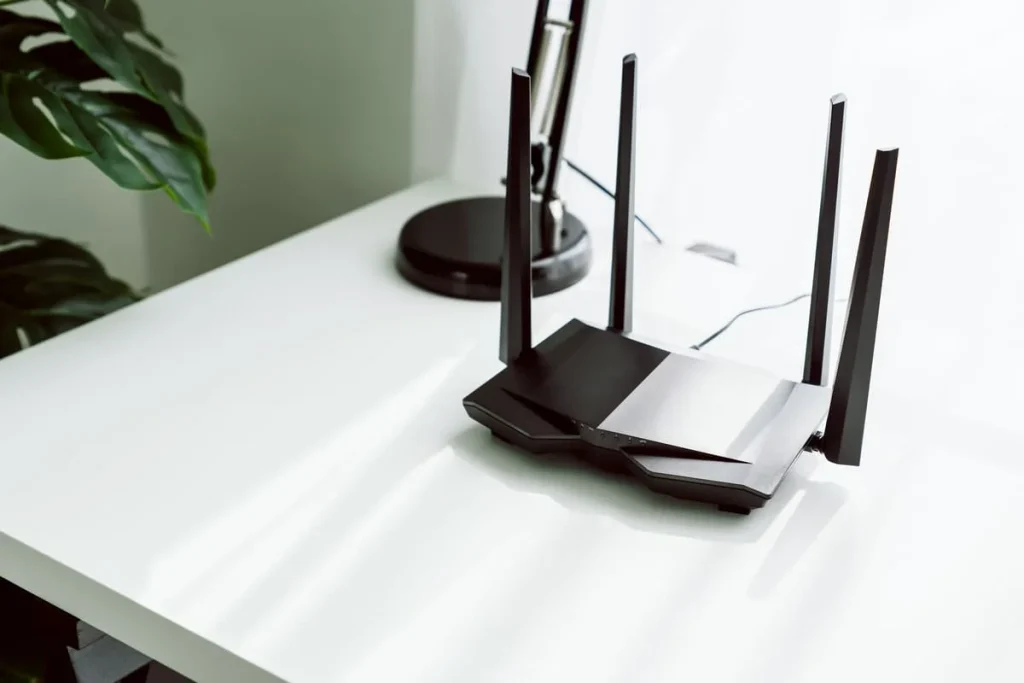
The communication is fairly simple to understand. The bulb is connected to your router. This means that you can connect it from anywhere in the world. Some smart bulbs also connect through Bluetooth, yet the control range is limited, so they may not work in a massive house.
Other than that, some bulbs also communicate through Zigbee or Z-Wave by establishing a mesh network.
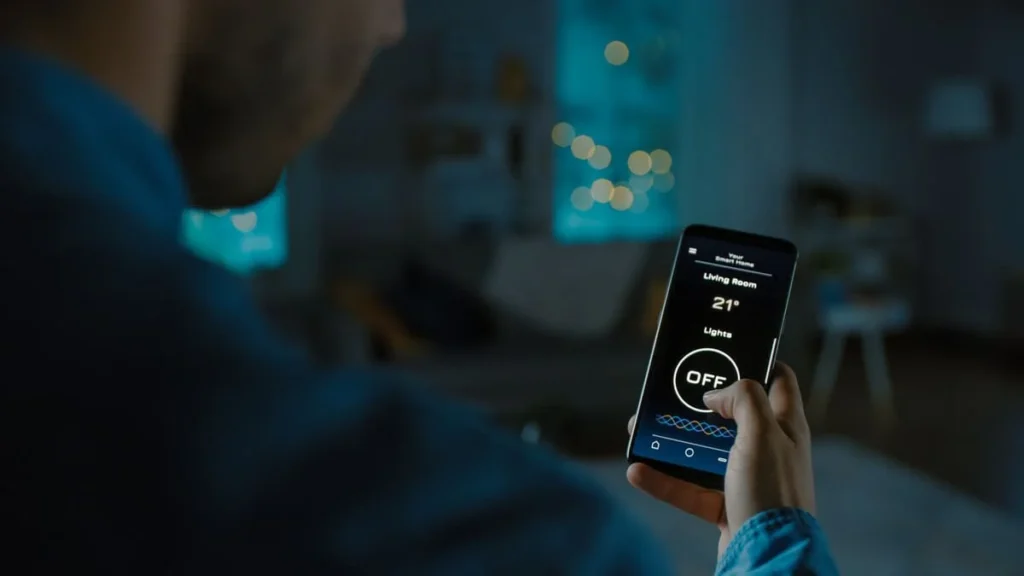
Control is done through mobile apps or voice control, yet such smart tools can also be automated and programmed accordingly. Before you buy, make sure the bulb supports Alexa or Google Home. It’s the same check we recommend in our smart lock compatibility guide.
Wi-Fi, Bluetooth or Zigbee – Which Do You Actually Need?
Communication can be done through three different methods, each with its own particularities and advantages.
- Bluetooth. This is the least expensive option, as it doesn’t require a hub. It’s suitable if you’re in range though, so there’s no control when you’re out of the house or if you have a large house. Indoors, the realistic limit for such a connection is within 15 to 100 feet.
- Wi-Fi. This is the preferred option. While more expensive, it allows your bulbs to connect to your wireless network. You won’t need an extra hub either, yet you can crowd your network if you have too many smart bulbs. The good news is that you can control bulbs from anywhere in the world.
- Zigbee or Z-Wave. While this option does require a hub, it’s excellent for those with large homes and many bulbs. This way, you won’t crowd your wireless router. Besides, you won’t slow the Internet connection, so it’s a more reliable alternative.
Do You Actually Need a Hub?
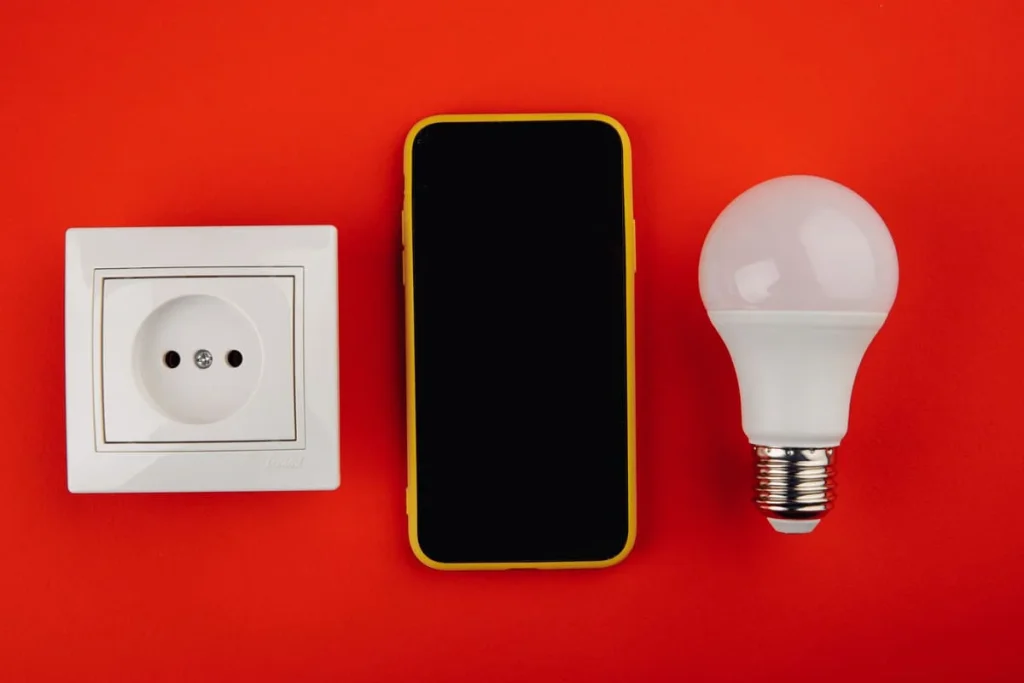
It depends. Some people will require a hub, while others shouldn’t take this unnecessary expense. If you only have a few bulbs in your home, and you only want to control them while you sit on the sofa or in bed, you don’t need a hub. A Wi-Fi or Bluetooth connection will most likely do the trick.
On the other hand, a hub becomes a necessity when you have more bulbs. If you have plenty of rooms or more bathrooms, chances are you’ll have more than 10 smart bulbs. In this case, you’ll need a hub to avoid overcrowding your connection.
A hub is also a good choice if you want control from anywhere in the world, not to mention avoiding frustration with slow response times.
Does the Wall Switch Need to Stay On?
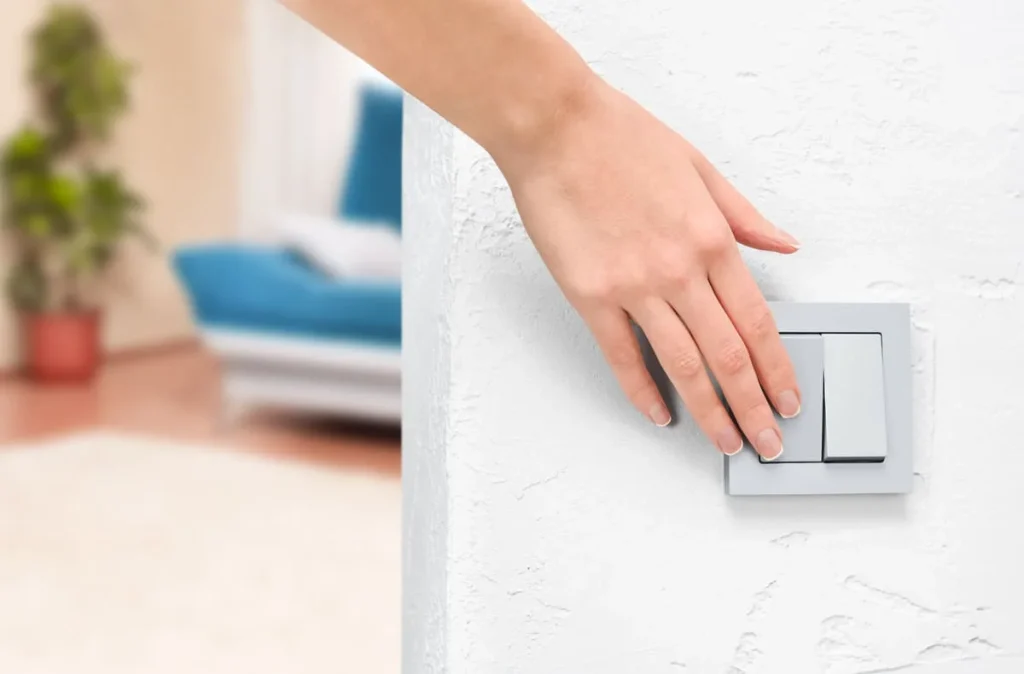
How do smart light bulbs work when it comes to the switch? Simply put, the switch should be on at all times, since you control bulbs through an app or your voice. Smart lighting requires consistent power for the connection to be on.
It may take a while to get used to this concept, since a lot of people flip their switches off out of habit. Until it’s back on, you have no control over the bulb. Whether you control it through a mobile app or voice, none of these things will work.
Therefore, to ensure that your bulbs work at all times, their switches must always be on.
Why Does My Smart Bulb Reset to White After a Power Cut?
Now, how do smart light bulbs work if there’s a power cut? Such things happen, leading to unpleasant surprises. Most commonly, the bulb will revert to the original white color. Some smart light bulbs try to “remember” the last settings, but most of them aren’t advanced enough to do it properly.
This problem is extremely common with smart bulbs. Of course, most brands will never mention it. To fix it, they would need larger chips to remember such settings, yet this would also add to the price. At the moment, the only fix is to reset the bulbs again if they revert to their initial warm white color.
Besides, even if some bulbs are advertised to “remember” their settings before a power cut, they’re less likely to do so effectively.
Will Smart Bulbs Raise Your Electricity Bill?

Smart bulbs must be constantly connected, hence the necessity to always keep the switch on. While it looks like they require more electricity through standby power needs, in reality, you won’t see any differences in your electricity bill, regardless of how many bulbs you have.
Smart bulbs stay constantly connected since they need to be ready for commands. In reality, that will cost you a few cents a month. The good news is that they come with LED lights, so they will actually save you money, as they require 75% less electricity than traditional, incandescent bulbs.
What Happens When Your Wi-Fi Goes Down?
Since your smart lighting system requires Wi-Fi connectivity, it will go completely offline when the Wi-Fi goes down. However, it doesn’t mean that you can no longer use the light. Instead, it will work like a regular bulb, only through switch control.
Schedules, automation, voice control or app control will be restored when the Wi-Fi connection is back.
What Smart Bulbs Can Do Beyond On/Off
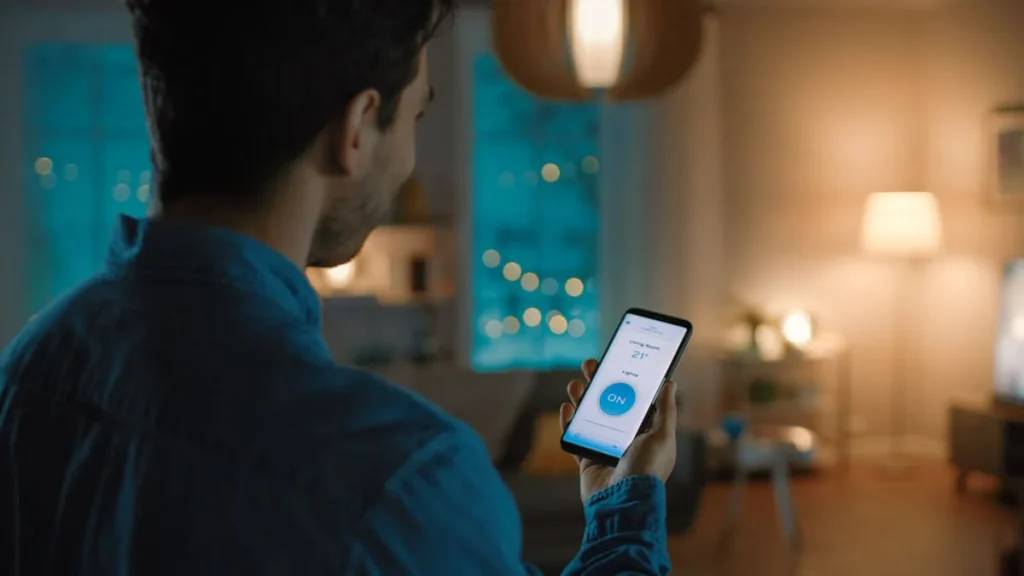
So, how do smart light bulbs work in terms of extra features? Color temperature is a common feature, as you can get lower temperatures for a warm setting or higher temperatures for cold light. Warm settings around 2,700K to 3,000K suit moody living rooms and bedrooms, while cooler 4,000K to 5,000K light works better in a garage workspace. You can also schedule automation and scenes, not to mention geofencing and even sensors for ambient light.
In terms of security, you may have away or home modes. Of course, each brand brings in its own features, so they’ll vary from one model to another.
As for the average lifespan, most smart bulbs will last for 25,000 to 50,000 hours, depending on their quality.
Smart Bulbs or a Smart Switch – Which Fits Your Fixture?
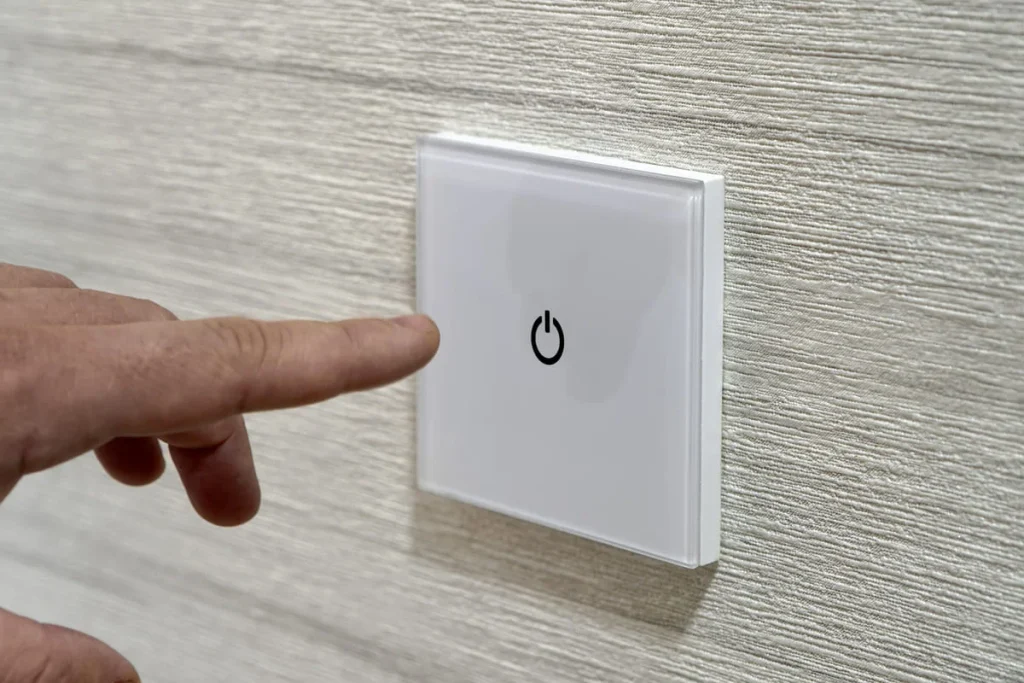
Smart bulbs are convenient for fixtures with switches in awkward places. For example, a smart bulb would be handy for a lamp, as it’s easy to control through an app or your voice. On the other hand, if you’re already used to flipping switches on your wall on and off, a smart switch is more convenient.
Sometimes, switching a light on is easy with a switch, rather than unlocking your phone in the dark, opening the app and doing it from there. It’s just not practical at all. But then, a switch may require extra wiring, so check upfront. Our smart light switch vs smart bulb comparison covers neutral wires, dimmers and long-term costs in more detail.
FAQs
Yes. Smart bulbs must be constantly connected in standby in order to get commands. It won’t cost a lot though, but just a few cents a month. It’s like your TV being on standby with a red light on while actually turned off.
Do smart light bulbs work with a normal switch?
Absolutely, yet it’s important to keep the switch on at all times. Turning the switch off means turning everything about the bulb off, including the standby mode.
Why did my smart bulb turn white after the power went out?
Some bulbs are restored to their original warm white light after a power cut, mainly because their chips are small and can’t remember original settings. It’s not a malfunction, but perfectly normal.
Do smart light bulbs work without Wi-Fi?
Bulbs using Wi-Fi for connectivity will lose automation, voice and app control when offline. You can still turn them on and off manually.
How long do smart light bulbs last?
Depending on the brand, smart bulbs last between 25,000 and 50,000 hours, quite a few years longer than traditional incandescent bulbs.